L
O
A
D
I
N
G


Zoho, Odoo, ERPNext, Dynamics 365 and custom ERP, delivered by one accountable team.

Labor camp inspections, visa renewals, equipment rentals, site permits: Zoho Creator turns these spreadsheet processes into proper apps connected to your Zoho data.
Zoho Creator is Zoho's low-code platform for building forms, reports, pages and workflows, with Deluge scripts for logic, published as web apps, mobile apps or customer portals. UAE businesses use it for processes packaged apps miss, such as tracking visa and Emirates ID expiries, site inspections, tenant move-in checklists or dealer portals, while reading and writing Zoho Books, CRM and People data.
Zoho Creator UAE projects start where standard apps stop. Zoho Books handles accounting and Zoho CRM handles sales, but many UAE businesses run processes no packaged app covers well: tracking employee visa and Emirates ID expiries for a manpower supplier, recording daily site inspections for a fit-out contractor, managing tenant move-in checklists, or running a dealer portal for distributors in other GCC countries.
Zoho Creator is Zoho's low-code platform. You build forms, reports, pages and workflows, add logic in Deluge scripts and publish the result as a web app, mobile app or customer portal. Because it sits inside the Zoho ecosystem, a Creator app can read and write Zoho Books, CRM and People data instead of becoming another island.
A practical example: a Sharjah-based facility management company may log maintenance requests from tenants through a Creator portal, assign technicians from Zoho People records, capture before-and-after photos on the mobile app, and push billable jobs to Zoho Books for invoicing. Each step replaces a phone call, a photo in a chat group or a line in a spreadsheet.
We design Creator apps as small, focused tools with a clear owner. For larger builds, see our Zoho Creator development service. If your needs go well beyond low-code, our custom ERP development team can help.

The products we configure, integrate and support on projects like this one.


Product names and logos are trademarks of their respective owners and are shown only to identify the software we implement.
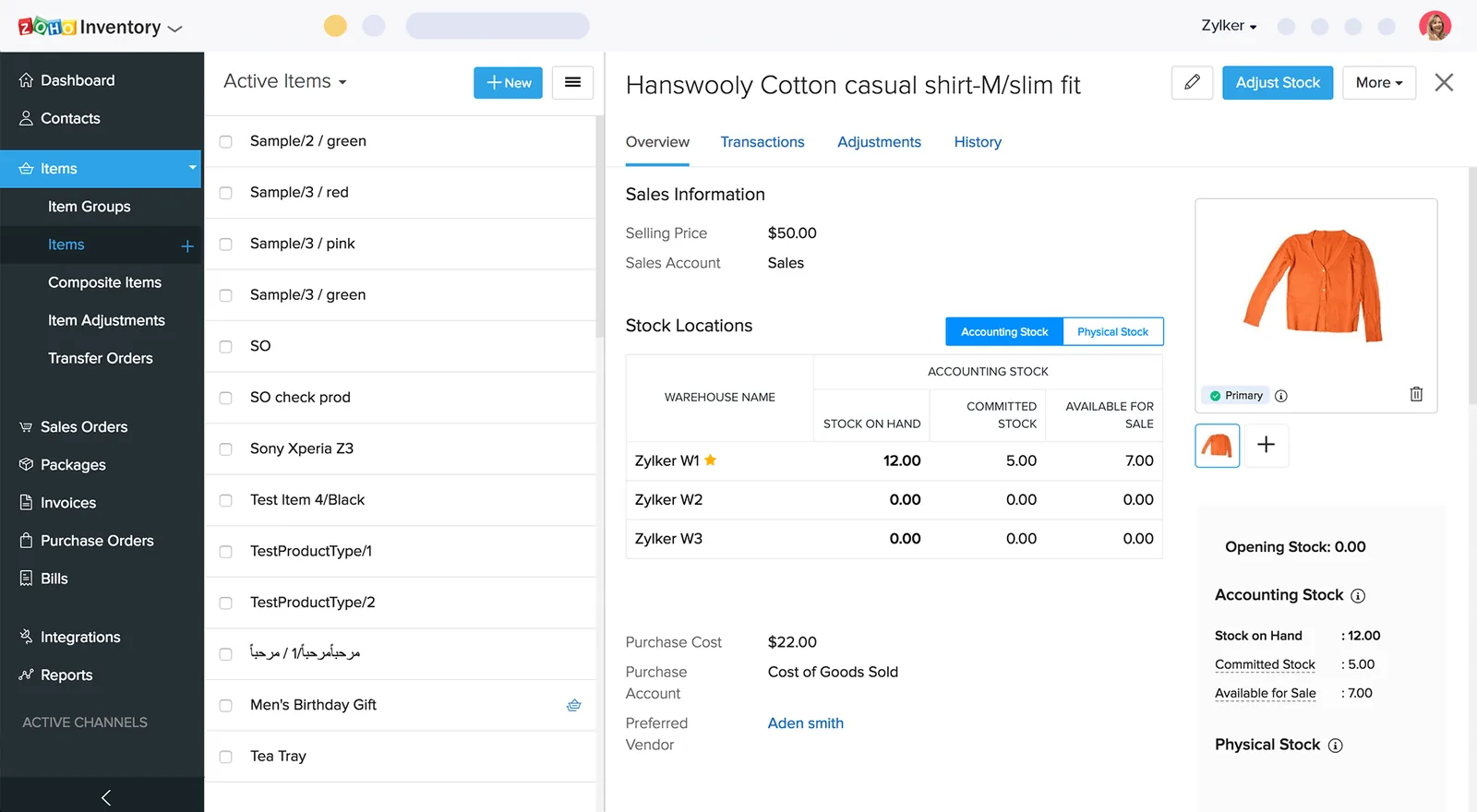
Creator apps often replace a shared Excel file and a WhatsApp group. Here is a typical field inspection app view.
We follow a short, repeatable cycle so the app matches the real process and users accept it. Users see a working version early, usually within the first couple of weeks, so feedback shapes the app before it is finished.
One shared database: every step updates stock, finance and reports in real time.
These are the parts of Creator we use most often in UAE projects.
Data entry screens with validation, lookups, subforms and file or photo uploads.
List, calendar, kanban and map views with filters and role-based visibility.
Dashboards and landing pages combining charts, panels and embedded reports.
Rules on submit, schedules and approvals, written in Zoho's Deluge scripting language.
Multi-level approval chains, for example by amount or department.
Login access for customers, vendors or subcontractors to submit and view their own records.
The same app on phones and tablets, with offline-friendly forms for field staff.
Built-in connections to Zoho apps and REST calls to external systems.
A Creator app is most useful when it shares data with the rest of your systems.
Creator apps often hold employee, tenant or financial data. Build them with UAE rules in mind.
Creator apps can trigger invoices, but tax invoices and VAT reporting should stay in Zoho Books, where the UAE VAT configuration lives. Confirm treatments with your tax advisor.
Apps tracking visas, Emirates IDs and labor cards help HR act before expiry, supporting MOHRE and immigration obligations. They do not replace official portals.
We use role-based permissions and portal restrictions so personal data is visible only to the right people, in line with your data protection policy.
Creator keeps record history. We design apps so approvals and changes can be traced, which matters for audits and corporate tax documentation.
General information, not tax or legal advice. Rules change; confirm current FTA, MOHRE and Ministry of Finance guidance with your advisor.
Low-code makes building fast, and that speed can create a pile of half-used apps. These habits keep Creator apps maintainable over years, not months.
More on low-code and custom builds in Zoho.
We configure the system for the rules UAE businesses report against, and test it before go-live.
General information, not tax or legal advice. Confirm current requirements with the FTA, MOHRE or your advisor. See all UAE compliance guides.
On-site workshops in Dubai, Abu Dhabi and Sharjah, and remote or on-site delivery across the Northern Emirates and free zones.
Official sources and references
Facts on this page were checked against these sources in October 2026. Rules change, so confirm current requirements before acting.
Still have a question? Our consultants are happy to help.
Ask an ExpertSimple forms and reports can be built by a trained admin. Logic, integrations and portals need Deluge scripting, which is where experienced Creator developers save time and avoid fragile apps.
Zoho One includes Creator, though limits on apps and features depend on Zoho's current terms. We check whether your planned app fits within Zoho One or needs a separate Creator plan.
Creator apps can store and display Arabic text, and labels can be written in Arabic. Right-to-left layout behavior should be tested on the specific forms and reports you plan to use.
Yes, through Creator portals. Customers, vendors or subcontractors can log in to submit requests or view their own records, with access controlled by role.
A focused single-process app is often ready in 2-6 weeks including testing. Apps with portals, several integrations and complex approvals take longer. We agree a first release with the essentials, then add features after users have worked with it.
Very high transaction volumes, complex accounting or heavy manufacturing logic are better handled by a full ERP like Odoo, ERPNext or Dynamics 365, or by a custom build. We will tell you if Creator is being stretched too far.
Tell us how your business runs today and where it gets stuck. We'll recommend the right platform, outline the implementation approach and give you a realistic timeline, with no obligation.
Dubai, United Arab Emirates