L
O
A
D
I
N
G


Zoho, Odoo, ERPNext, Dynamics 365 and custom ERP, delivered by one accountable team.

We plan and run full system moves, from mapping your old ledgers and item masters to the final cut-over weekend, so your team switches ERP with balances that reconcile on day one.
ERP migration in the UAE means deciding what data moves, redesigning changed processes, mapping masters and open documents, loading reconciled opening balances and cutting over while trading continues. Most companies leave Tally, QuickBooks, Sage, SAP Business One or Excel for Zoho, Odoo, ERPNext, Dynamics 365 or custom ERP. Cutting over at a year end or VAT period end keeps reconciliation simpler.
Our ERP migration services in the UAE cover the full move from one business system to another: deciding what comes across, redesigning the processes that change, moving the data, switching users over and retiring the old platform. Data transfer is one part of it. The harder part is making sure that sales, purchasing, stock and finance keep running while the switch happens.
Most UAE companies we speak with are leaving Tally, QuickBooks, Sage, SAP Business One, a locally built package or a set of Excel workbooks. They are moving to Zoho, Odoo, ERPNext, Microsoft Dynamics 365 or a custom ERP. We implement those five targets. We do not implement SAP, NetSuite, QuickBooks, Tally or Sage, but we migrate away from them regularly and know how their data is structured.
This page is the hub for all our migration work. For the detailed data checklist, see ERP data migration. For specific routes, see guides such as Tally to ERP migration and SAP Business One migration.

The same problems come up whatever the source system. Planning for them early is most of the work.
Tally groups ledgers under fixed parents, while Odoo, ERPNext and Business Central use a configurable chart of accounts. A one-to-one copy carries old workarounds into the new system.
Years of trading leave the same customer under three names and items with no movement since 2019. Moving them as-is clutters the new ERP and breaks reporting from the first week.
Unpaid invoices, partially received purchase orders and goods in transit must move with their exact open amounts. Missing one means a supplier is paid twice or a receivable disappears.
Older ERPs often hold custom pricing rules, commission formulas or reports nobody documented. They surface only when someone asks why a number looks different.
The FTA expects records to be kept for the statutory retention period. If the old system is switched off without a plan, past tax invoices and returns become hard to retrieve.
Shops keep selling and warehouses keep shipping during the switch. A weak cut-over plan leaves a gap where transactions are recorded in neither system.
A sample of the mapping decisions we document for each project. Final mapping depends on your chosen platform and design.
| Source system record | Typical target in the new ERP | Mapping notes |
|---|---|---|
| Tally ledger groups and ledgers | Chart of accounts (account types and groups) | Regrouped to support management reporting and corporate tax schedules, not copied line for line |
| Tally or QuickBooks customers and vendors | Contacts or customer/supplier masters | Deduplicated; TRN, emirate, payment terms and credit limits added |
| Stock items and units of measure | Products or items with UoM and variants | Item codes standardized; inactive items archived rather than migrated |
| Godowns or locations | Warehouses and storage locations | Bin or rack levels added where the new ERP supports them |
| Tax classes or VAT codes | Tax codes for standard, zero-rated, exempt and reverse charge | Checked against current UAE VAT treatment with your tax advisor |
| Open sales and purchase invoices | Open invoice entries or opening balance documents | Loaded per document so ageing and follow-up keep working |
| SAP Business One business partners | Customer and supplier records with addresses and contacts | Multiple ship-to addresses and contact persons kept as child records |
| Fixed asset register | Asset records with cost, depreciation to date and method | Net book value reconciled to the general ledger at cut-over |
| Employee masters and leave balances | Employee records, leave allocations, salary structures | WPS fields and gratuity start dates verified before payroll goes live |
| Historical transactions | Archived summary or read-only export | Often kept outside the new ERP to keep it clean, with reports stored for audit |
Mapping is signed off by your finance lead before any trial load begins.
Each phase ends with a check that your team signs off before we move on.
We review what the old system holds, how it is customized, which reports people rely on and what can be exported. This sets realistic scope for data and process changes.
Processes are configured in the new ERP first, then every source record type is mapped to it. Decisions about history, archiving and code changes are written down.
Your team fixes duplicates and gaps with our templates. We run at least one full trial load into a test copy and reconcile totals against the old system.
Key users process real scenarios in the new system and compare results. Differences are explained or fixed before go-live is approved.
Transactions in the old system are frozen at an agreed time, final balances are extracted and loaded, and users switch over. We stay on hand during the first trading days.
We help you set up read-only access or archived exports for audit and VAT records, then plan the end of old licenses and servers.
These are the outputs you should hold at the end of the project.
Durations vary with data quality, number of entities and how much process change is involved. These are typical ranges, not fixed commitments.
Durations are typical ranges; your plan is agreed after discovery.
Inventory of the old system, data samples, reports in use and integration points.
Target configuration, mapping workbook and decisions on history and archiving.
Data fixes by your team, one or more trial loads, and reconciliation.
Scenario testing by key users and sign-off on figures.
Freeze, final load, go-live and early support, often aligned to a month or year end.
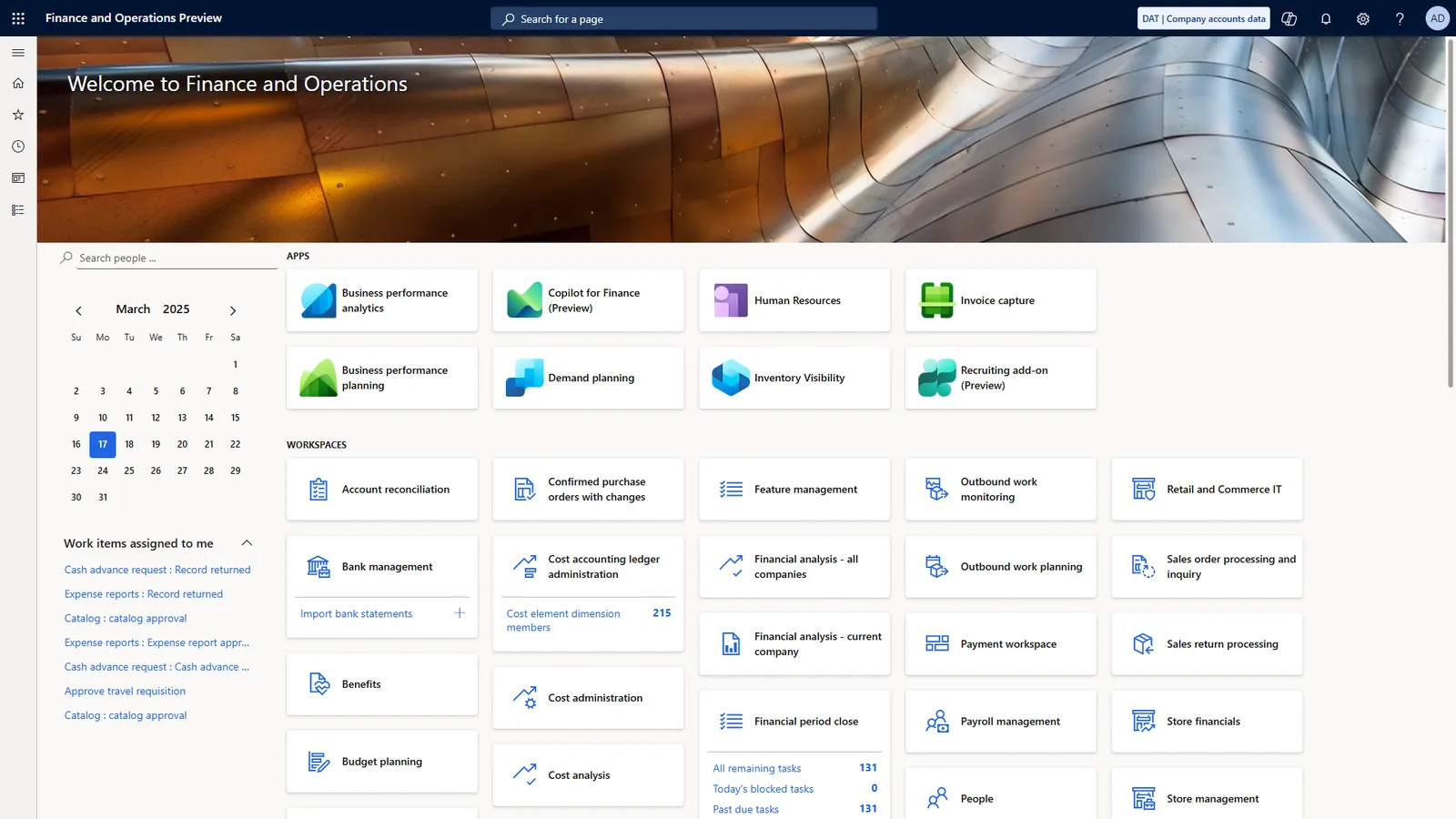
During the project we keep a shared migration tracker so finance and operations can see progress by object, not just a percentage complete.
Explore migration guides for your specific source and target systems.
We configure the system for the rules UAE businesses report against, and test it before go-live.
General information, not tax or legal advice. Confirm current requirements with the FTA, MOHRE or your advisor. See all UAE compliance guides.
On-site workshops in Dubai, Abu Dhabi and Sharjah, and remote or on-site delivery across the Northern Emirates and free zones.
20 detailed guides in this section.
Official sources and references
Facts on this page were checked against these sources in October 2026. Rules change, so confirm current requirements before acting.
Still have a question? Our consultants are happy to help.
Ask an ExpertWe regularly migrate from Tally, QuickBooks, Sage, SAP Business One, older local ERPs and spreadsheet-based setups. We assess any other source by looking at what it can export. We do not implement SAP, NetSuite, QuickBooks, Tally or Sage as targets.
Usually not. Most companies migrate masters, open documents and opening balances, and keep detailed history in an archived, searchable form. This keeps the new system clean while preserving records for audits and FTA retention.
A financial year start is cleanest because opening balances are simpler. A month end or quarter end also works well, especially one that lines up with a VAT return period. Mid-month cut-overs are possible but need more reconciliation.
Yes. Most of the work happens in a test copy while you keep using the old system. The actual freeze for the final load is usually short and planned around your quietest trading days.
An import loads files. A migration also redesigns processes, maps old structures to new ones, handles open transactions, reconciles the result and retires the old system. Skipping those steps is why many self-run imports end up being redone.
Yes, but that is covered under our ERP upgrade services, because version upgrades focus on database and customization compatibility rather than moving between products.
Related Solutions
Related Industries
Related ERP Platforms
Tell us your current system and target platform and we will outline a migration plan, scope and timeline for your business.
Dubai, United Arab Emirates