L
O
A
D
I
N
G


Zoho, Odoo, ERPNext, Dynamics 365 and custom ERP, delivered by one accountable team.

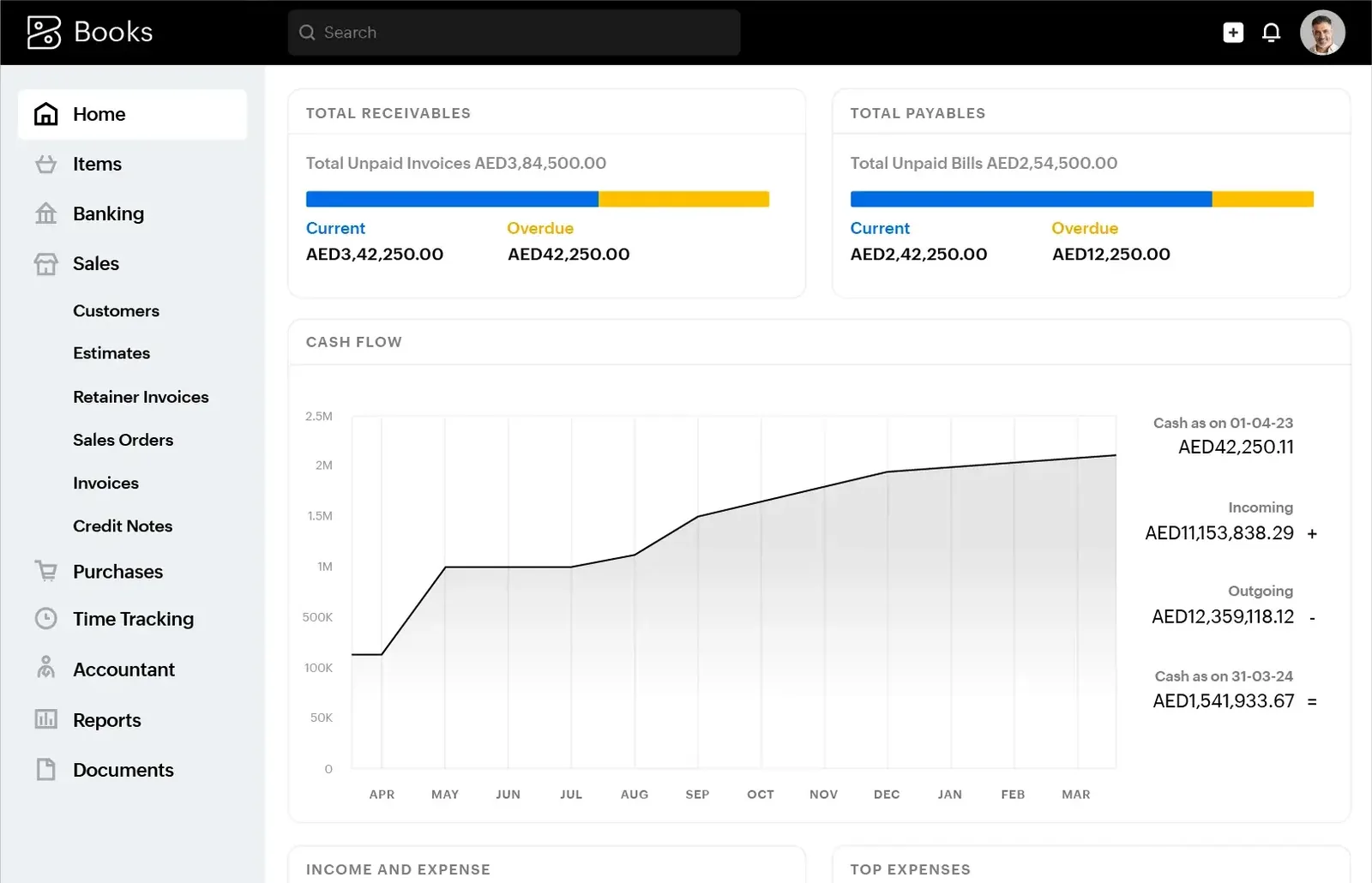
As a Zoho Premium Partner, we move UAE companies from Tally into Zoho Books, Zoho Inventory and, where it fits, Zoho One, so owners and accountants can work from anywhere on the same live numbers.
To migrate from Tally to Zoho in the UAE, companies usually move accounting and VAT into Zoho Books, stock into Zoho Inventory, and add Zoho CRM or Zoho One when sales and HR join. Ledgers, customers, vendors, items, opening balances and open invoices are mapped across, Tally cost centres become reporting tags, and open documents keep their original Tally numbers.
A Tally to Zoho migration in the UAE suits small and mid-sized companies that want to leave a desktop install behind without taking on a large ERP project. The usual path is Zoho Books for accounting and VAT, Zoho Inventory if stock is involved, and Zoho CRM or the wider Zoho One bundle when sales and HR need to join the same system.
The appeal is mostly practical. Owners can check receivables on a phone, the external accountant logs in without a remote desktop session, and customers pay invoices through a link. Zoho Books is also familiar territory for many UAE accountants who already use it with other clients, which shortens training for teams leaving Tally.
We are a Zoho Premium Partner and handle the move as part of a Zoho Books implementation. Companies with heavier manufacturing or complex warehousing should read our Tally to ERP migration overview first, as Odoo or ERPNext may fit better.

The products we configure, integrate and support on projects like this one.


Product names and logos are trademarks of their respective owners and are shown only to identify the software we implement.
Zoho is simpler to run than Tally in many ways, but a few structural differences catch teams out.
Zoho Books uses account types with parent accounts rather than Tally's deep group nesting. Charts with five levels of groups need to be flattened while keeping the reports management actually reads.
Zoho Books handles analysis through reporting tags and, where enabled, branches or locations. Each Tally cost category needs a tag design that staff can apply consistently on invoices and bills.
If stock is managed in Zoho Inventory, items and warehouses live there and sync to Zoho Books. Getting the item master right in Inventory first avoids duplicated items between the two.
Zoho Books has a dedicated opening balances process with a migration date. Open invoices and bills should be entered as documents dated before that date so aging stays correct.
Tally ledgers sometimes hold both receivable and payable activity for the same company. In Zoho these are one contact that can act as customer and vendor, and balances need splitting carefully.
Zoho imports use CSV or XLS templates with required columns. Tally exports need reshaping, date formats fixing and TRN fields cleaned before they load without errors.
How the main Tally objects land in the Zoho apps. Final choices depend on your Zoho edition and the apps you subscribe to.
| Tally | Zoho destination | Notes |
|---|---|---|
| Groups and GL ledgers | Zoho Books chart of accounts (account type plus parent account) | Keep account codes if your accountant relies on them |
| Sundry Debtors | Customers in Zoho Books contacts | TRN, place of supply emirate, payment terms, currency |
| Sundry Creditors | Vendors in Zoho Books contacts | Include bank details only if paying from Zoho |
| Cost centres | Reporting tags or branches | Tags can be made mandatory on selected transactions |
| Stock items | Items in Zoho Inventory (synced to Books) | SKU, unit, sales and purchase accounts, VAT treatment |
| Godowns | Warehouses or locations in Zoho Inventory | Opening stock entered per warehouse |
| Batches and serials | Batch and serial number tracking | Enable before items are created |
| Bill-wise outstanding | Open invoices and bills before the migration date | Keep the Tally invoice number as the document number or reference |
| Bank ledgers | Bank accounts with feeds or statement import | Reconcile from the migration date forward |
| VAT ledgers | Zoho Books UAE VAT taxes and tax treatments | Review with your tax advisor before first return |
Zoho periodically adds import helpers; we use whatever the current edition supports and fall back to templates where needed.
Designed to keep the effort small for your finance team while protecting the balances.
We agree whether Zoho Books alone is enough or whether Zoho Inventory, Zoho CRM or Zoho One should be included, based on your users and processes.
A quarter-end aligned with your VAT period is usually cleanest. Everything before it stays in Tally, everything after is entered in Zoho.
Organization profile, TRN, VAT settings, chart of accounts, reporting tags, branches, templates and user roles are set up before any data moves.
Contacts and items are imported first, followed by open invoices and bills, then the remaining GL opening balances and opening stock per warehouse.
Zoho's trial balance, receivables and payables summaries and inventory valuation are checked against Tally. Once signed off, Tally is closed for posting.
A working Zoho organization your team can use the day after cut-over.
Zoho projects are often shorter than full ERP moves. Ranges are indicative and depend on data quality.
Durations are typical ranges; your plan is agreed after discovery.
Review Tally data and agree Zoho apps and migration date.
Books and Inventory configured, templates and roles created.
Cleaning, template filling and a trial import in a test organization.
Short sessions for accounts, sales and storekeepers.
Live import, then support through the first month-end and VAT period.
A shared tracker shows what has moved and what still needs a decision.
More on the Zoho apps and the wider migration picture.
We configure the system for the rules UAE businesses report against, and test it before go-live.
General information, not tax or legal advice. Confirm current requirements with the FTA, MOHRE or your advisor. See all UAE compliance guides.
On-site workshops in Dubai, Abu Dhabi and Sharjah, and remote or on-site delivery across the Northern Emirates and free zones.
Official sources and references
Facts on this page were checked against these sources in October 2026. Rules change, so confirm current requirements before acting.
Zoho Books handles basic items, but companies that track stock across godowns, batches or serial numbers usually need Zoho Inventory. If you only sell services, Books alone is often enough.
We rebuild them as reporting tags, and sometimes branches, so you can filter profit and loss and other reports by project, department or location. Staff then apply tags on each invoice and bill.
Yes for migrated open documents, which keep their original numbers. New invoices follow a Zoho numbering series that we set up to continue your sequence or start a clear new one.
The UAE edition of Zoho Books supports tax invoices with TRN and produces VAT return data aligned with the FTA form, which you then file on EmaraTax. Check the FTA's current Tax Accounting Software Register if accreditation matters for you, and have your tax advisor review the setup.
Tally stays installed in read-only use, or the data is exported to a secure archive, so you can retrieve past vouchers for audits and FTA queries during the retention period.
Tell us how your business runs today and where it gets stuck. We'll recommend the right platform, outline the implementation approach and give you a realistic timeline, with no obligation.
Dubai, United Arab Emirates