L
O
A
D
I
N
G


Zoho, Odoo, ERPNext, Dynamics 365 and custom ERP, delivered by one accountable team.

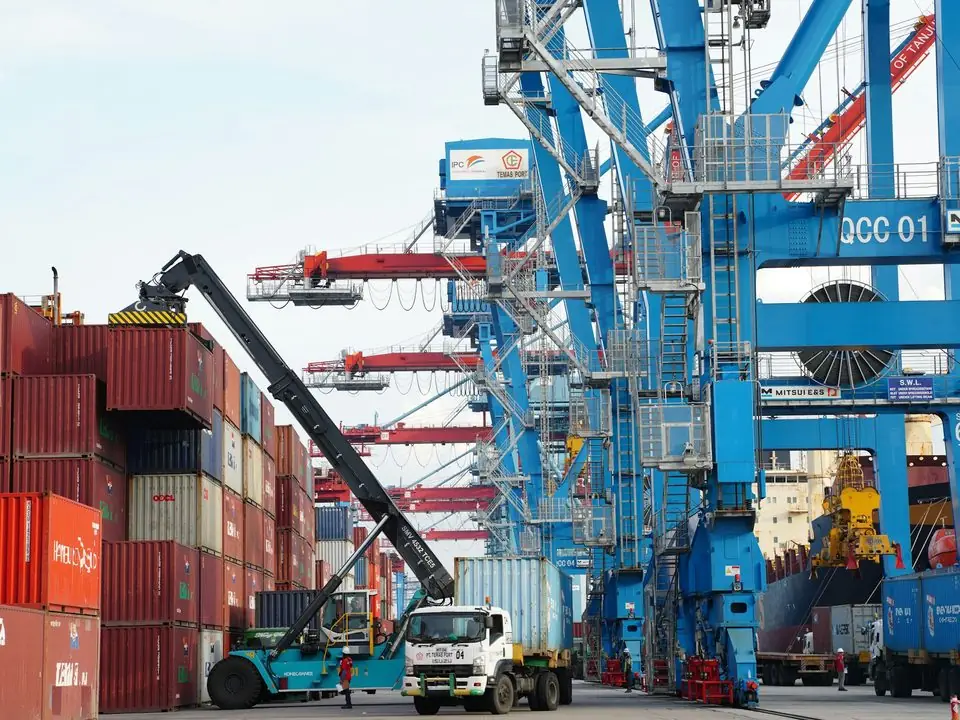
We set up Zoho Inventory so a sale on Shopify, an order from a Deira wholesaler and a transfer to your Jebel Ali store all hit the same stock figure.
Yes. Zoho Inventory manages items, variants, multiple warehouses, transfer orders, sales and purchase orders, shipments, batch and serial tracking and reorder points for UAE traders, distributors and online sellers. It syncs orders from Shopify and marketplaces and shares items and contacts with Zoho Books, so invoices raised from stock documents carry the correct UAE VAT treatment without double entry.
Zoho Inventory UAE projects are most common with trading companies, distributors, e-commerce sellers and retailers that have outgrown spreadsheet stock lists. The pattern is consistent: stock counts disagree with the system, the same item has three codes, and staff cannot see whether goods are in the warehouse, in transit from the port or already promised to a customer.
Zoho Inventory handles items, variants, warehouses, sales orders, purchase orders, packages, shipments, transfers, batch and serial tracking and reorder points. It shares item and contact data with Zoho Books, so invoices and bills raised from inventory documents carry the correct UAE VAT treatment and post to the ledger without re-entry.
For a Dubai distributor bringing containers through Jebel Ali and supplying retailers across Sharjah, Abu Dhabi and the Northern Emirates, that means a buyer can see committed stock before confirming an order, and accounts can see landed stock value without waiting for a warehouse spreadsheet. For an online seller, it means a Shopify or Amazon order reduces the same stock figure the showroom uses.
It is not a manufacturing system. If you need multi-level bills of materials and work orders, we will point you to Odoo Inventory or ERPNext instead. For a structured rollout, see our Zoho Inventory implementation service.
The products we configure, integrate and support on projects like this one.


Product names and logos are trademarks of their respective owners and are shown only to identify the software we implement.
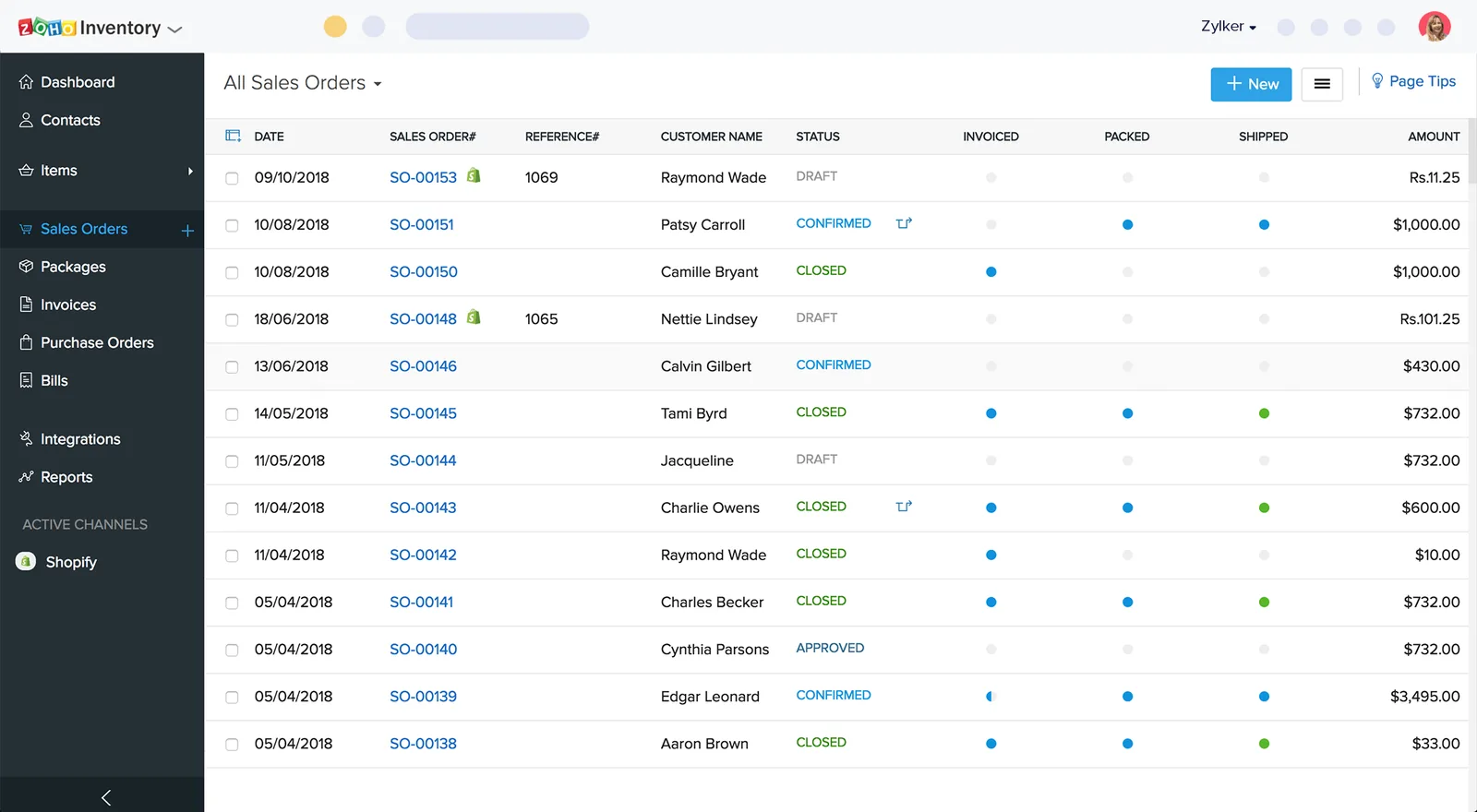
Storekeepers, buyers and managers see the same live stock picture, broken down by warehouse.
This is the standard flow we configure for a UAE trading company. We adjust it for drop-ship, back-to-back or cash-van models. Each step creates a document in Zoho Inventory or Zoho Books, so anyone can trace an invoice back to the purchase order and goods receipt behind it.
One shared database: every step updates stock, finance and reports in real time.
These are the features UAE clients rely on most.
Separate stock for each warehouse, store or free zone location, with transfer orders between them.
Batch numbers with expiry dates for consumables, and serial numbers for electronics and equipment.
Size, color or pack variants under one item group, with separate SKUs and barcodes.
Kits and bundles assembled from component stock, useful for gift sets or bundled spare parts.
Reorder levels per item with alerts that feed purchase order creation.
Customer-specific and channel-specific prices for wholesale, retail and online.
Packing slips, shipment tracking and delivery status per order.
Stock summary, valuation, ageing and sales by item for buying decisions.
Inventory sits between your sales channels and your accounts. These are common connections.
Inventory data feeds VAT and corporate tax reporting. Confirm treatments with your tax advisor.
Tax treatments on items carry through to invoices and bills in Zoho Books, including zero-rated exports and reverse-charge imports, so the VAT return reflects them correctly.
Goods moving between designated zones and the mainland can have specific VAT treatment. We set up warehouses and tax codes so these movements can be identified for your advisor.
Accurate stock valuation affects taxable profit under the 9% corporate tax regime. We make sure valuation reports reconcile with the ledger at period end.
E-invoices under PINT AE need consistent item descriptions and tax categories. Clean item masters now reduce work before your mandatory date. Check the latest Ministry of Finance / FTA guidance.
General information, not tax or legal advice. Rules change; confirm current FTA, MOHRE and Ministry of Finance guidance with your advisor.
Most inventory projects succeed or fail on data and discipline, not features. These points come from rollouts with distributors, retailers and online sellers in the UAE.
Zoho Inventory services and alternatives for UAE businesses.
We configure the system for the rules UAE businesses report against, and test it before go-live.
General information, not tax or legal advice. Confirm current requirements with the FTA, MOHRE or your advisor. See all UAE compliance guides.
On-site workshops in Dubai, Abu Dhabi and Sharjah, and remote or on-site delivery across the Northern Emirates and free zones.
Official sources and references
Facts on this page were checked against these sources in October 2026. Rules change, so confirm current requirements before acting.
Still have a question? Our consultants are happy to help.
Ask an ExpertZoho Inventory can run on its own, but for UAE VAT returns and full accounting we recommend linking it to Zoho Books. The two share items and contacts, so there is no double entry.
Yes. You can track stock per warehouse, move goods with transfer orders and report by location. The number of warehouses available depends on your plan.
Yes, through batch tracking with expiry dates. This is common for food, cosmetics and healthcare products in the UAE.
It supports composite items for simple assembly, but it is not a full manufacturing system. For routings, work centers and multi-level production, Odoo or ERPNext are usually better fits.
Yes. Items can carry barcodes, and scanners can be used on receipts, picking and sales. Mobile apps also support scanning with the phone camera. We test label formats and scanner models before rollout.
We clean and map your item list, import opening stock by warehouse after a physical count and bring in open orders. Opening balances are reconciled with Zoho Books before go-live.
Tell us how your business runs today and where it gets stuck. We'll recommend the right platform, outline the implementation approach and give you a realistic timeline, with no obligation.
Dubai, United Arab Emirates