L
O
A
D
I
N
G


Zoho, Odoo, ERPNext, Dynamics 365 and custom ERP, delivered by one accountable team.

Trading margins are thin, so every shipment cost and every overdue invoice matters. We configure Zoho so buyers, warehouse staff and finance see the same numbers.
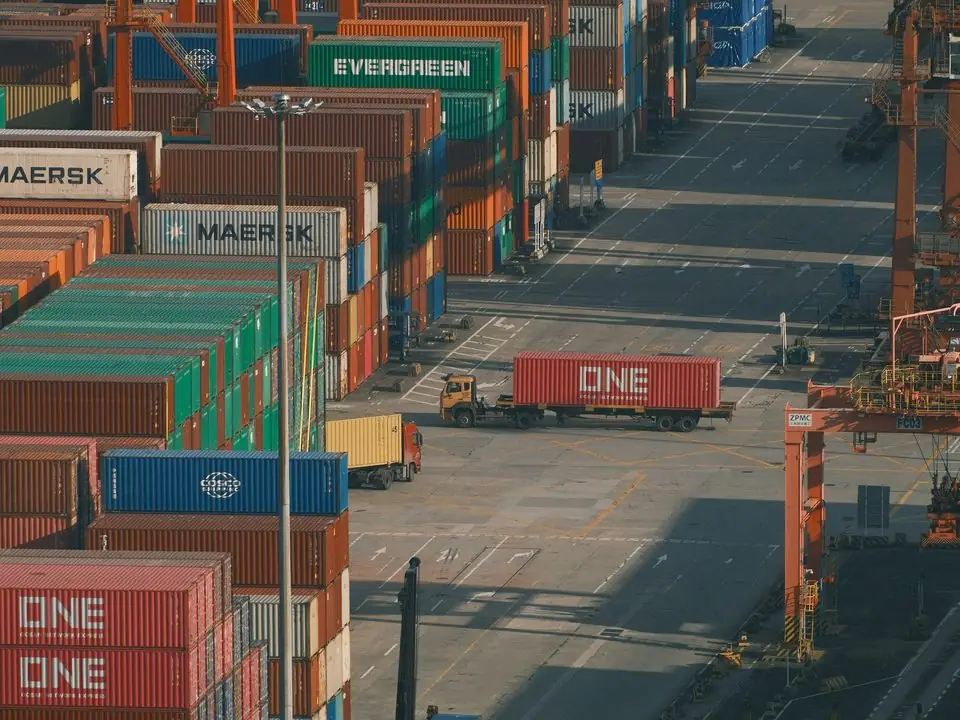
Zoho suits UAE importers, wholesalers and general traders who buy in foreign currencies, hold stock in one or a few warehouses and sell on credit to B2B customers. Zoho Inventory and Zoho Books share items and contacts, convert USD, EUR or CNY purchases to AED, and allocate freight, customs duty and clearing charges as landed cost so each sale shows real margin.
Zoho for trading companies in the UAE works best for importers, wholesalers and general traders who buy in foreign currencies, hold stock in one or a few warehouses, and sell on credit to B2B customers across the emirates and the wider GCC. Think of a building materials supplier in Al Quoz, an electronics distributor in Deira, or a food importer with a store in Dubai Investment Park.
The core of the setup is Zoho Inventory and Zoho Books working on shared items, contacts and transactions. Purchase orders in USD, EUR or CNY convert to AED at the rate you choose, landed costs such as freight, customs duty and clearing charges are allocated to the goods received, and the margin on each sale reflects what the stock actually cost. Zoho CRM is added when you have a field sales team that needs visit planning and pipeline tracking.
Zoho has limits for traders, and we are upfront about them. Very high SKU counts with complex bin-level warehouse logic, or heavy van-sales routes, may suit Odoo for trading companies better. Our Odoo vs Zoho for trading comparison helps you decide.
The products we configure, integrate and support on projects like this one.


Product names and logos are trademarks of their respective owners and are shown only to identify the software we implement.
These come up in nearly every UAE trading company we review, whether the goods are cables, tyres or frozen food.
If freight and duty are booked as general expenses, item cost looks lower than it is. Sales then quote prices that leave little or no margin.
Suppliers invoice in USD or EUR and payment happens weeks later at a different rate. Without proper multi-currency handling, the gain or loss is hidden in the bank balance.
Transfers between the main warehouse and a showroom are not recorded, or returns are put back on the shelf without a credit note. Physical counts never match the system.
Sales staff keep delivering to customers who are already overdue because the warning sits in finance's spreadsheet.
Food, cosmetics and pharma traders need to know which customer received which batch. Paper delivery notes make a recall slow and uncertain.
Different prices for wholesale, retail, project and export customers are kept in Excel. Sales staff quote from old versions.
This is the end-to-end flow we configure for import-led trading companies.
One shared database: every step updates stock, finance and reports in real time.
These are the parts of the Zoho suite that carry the most weight in a trading business.
Item groups with variants, reorder points, multiple warehouses and transfer orders between them.
Assign batches with manufacturing and expiry dates on receipt, and trace them through to the customer delivery.
Allocate freight, insurance, customs duty and clearing charges to received goods by value, quantity or weight.
Foreign-currency bills and invoices with exchange rates, realized and unrealized gain or loss, and bank accounts in other currencies.
Customer-specific or percentage-based price lists, plus credit limits that warn or block when a customer is over.
Account plans, visit logging on mobile and quote approval for sales teams that call on contractors and retailers.
Zoho Inventory connects to platforms such as Shopify and selected marketplaces, so web orders deduct stock automatically.
Margin by item, brand, customer and salesperson, plus slow-moving and ageing stock reports.
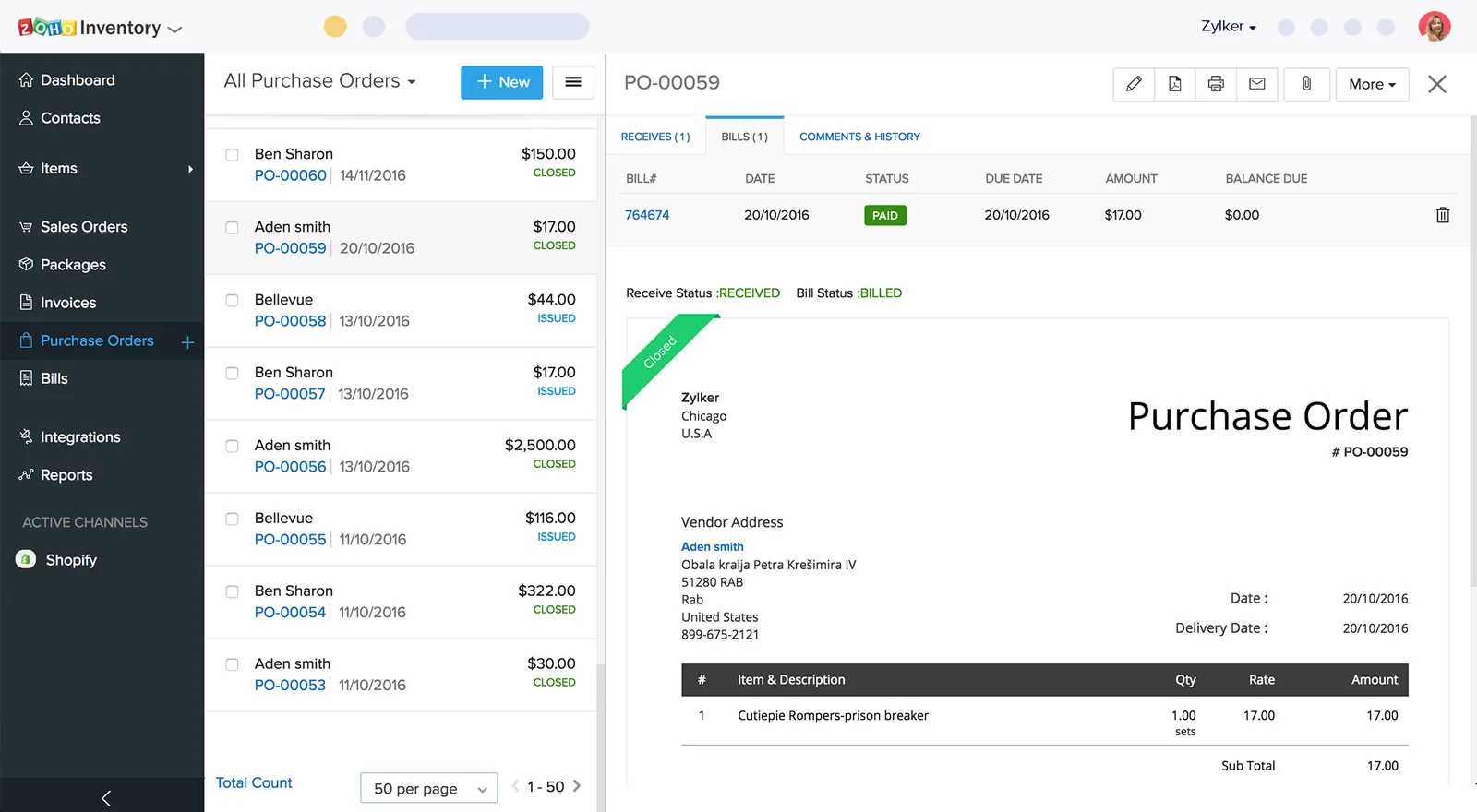
Trading owners want stock value and margin on one screen. We build this in Zoho Inventory and Zoho Analytics.
Trading touches customs and VAT at almost every step. These are configuration notes; confirm the tax treatment of your transactions with your advisor.
VAT-registered importers generally account for import VAT through the reverse charge mechanism. We set up tax codes in Zoho Books so the import VAT and the matching recovery appear correctly on the return.
Exports can be zero-rated where the export evidence conditions are met. We add fields for customs declaration numbers and exit documents so evidence sits with the invoice.
Goods moving between designated zones such as JAFZA and the mainland have specific VAT treatment. Branch or tag settings keep these transactions separate for review.
Trading companies issue many B2B invoices, so the Peppol-based model will affect them early. Accurate customer TRNs and structured addresses are the main preparation. Check the latest Ministry of Finance and FTA guidance for your deadline.
General information, not tax or legal advice. Rules change; confirm current FTA, MOHRE and Ministry of Finance guidance with your advisor.
Most trading rollouts on Zoho are moderate in size. These are typical ranges, not commitments.
Durations are typical ranges; your plan is agreed after discovery.
Item master review, warehouse layout, pricing rules, currencies and current reports.
Deduplicate items, define units of measure and batch rules, and clean customer TRNs and credit terms.
Zoho Inventory and Books setup, landed cost rules, price lists, approvals and document templates.
Physical count, opening stock load with batches, and testing a full import-to-collection cycle.
Live operations with close support through the first month-end and the first VAT period.
Compare platforms for traders and read our guides on inventory and trading ERP.
We configure the system for the rules UAE businesses report against, and test it before go-live.
General information, not tax or legal advice. Confirm current requirements with the FTA, MOHRE or your advisor. See all UAE compliance guides.
On-site workshops in Dubai, Abu Dhabi and Sharjah, and remote or on-site delivery across the Northern Emirates and free zones.
Official sources and references
Facts on this page were checked against these sources in October 2026. Rules change, so confirm current requirements before acting.
Still have a question? Our consultants are happy to help.
Ask an ExpertYes. Landed costs such as freight, duty and clearing can be added against purchase receipts and allocated to items, so stock value and margin reflect the true cost. We set up the allocation basis that suits your goods.
Zoho Inventory handles a large catalogue for most UAE traders. Limits depend on your plan, so we check them against your item count and transaction volume during discovery.
Zoho Inventory offers bin locations on certain plans. If you need advanced putaway strategies, wave picking or many pickers working on handheld scanners, we will compare it with a dedicated warehouse setup in Odoo or ERPNext.
Yes. Zoho Books keeps AED as the base currency while you buy and sell in others. Exchange gains and losses are recorded when payments are made, and reports show everything in AED.
Zoho can support simple route selling through mobile apps and Zoho Creator, but it is not a dedicated van-sales system. For large van fleets with on-the-spot invoicing, we would discuss other options with you.
Related Solutions
Related Industries
Related ERP Platforms
Send us your item count, warehouses and currencies, and we will outline a Zoho setup and an honest fit assessment.
Dubai, United Arab Emirates