L
O
A
D
I
N
G


Zoho, Odoo, ERPNext, Dynamics 365 and custom ERP, delivered by one accountable team.

We connect Zoho Analytics to your finance, sales and operations data so management gets the same numbers every Monday without someone rebuilding them in Excel.
Zoho Analytics is Zoho's business intelligence and reporting platform, used by UAE companies to blend data from Zoho Books, Zoho CRM, Zoho Inventory and other sources into dashboards, pivot tables and scheduled reports. It replaces monthly Excel exports with consistent figures such as gross margin by salesperson, branch and brand against budget, including consolidated views across several Zoho Books organisations.
Zoho Analytics UAE projects start when built-in reports run out. Zoho Books shows a profit and loss, Zoho CRM shows the pipeline, and Zoho Inventory shows stock, but the managing director wants gross margin by salesperson, branch and brand, compared to budget, in one place. Without a BI tool that means exporting three systems into Excel every month.
Zoho Analytics is Zoho's business intelligence and reporting platform. It has ready connectors for Zoho apps and can also pull from databases, spreadsheets and many third-party systems. Data is blended into a reporting model, then shown as dashboards, pivot tables and scheduled reports with controlled sharing.
We build Zoho Analytics models for trading groups with several entities, service companies tracking utilization, and retailers comparing branches. Typical sources are Zoho Books, Zoho CRM and Zoho Inventory, sometimes alongside a legacy system that has not been retired yet. For a broader look at BI choices, see our business intelligence software guide.
Zoho Analytics is also where we answer the questions that cut across departments. Which customers buy a lot but pay late? Which salespeople discount most heavily? Which service contracts generate more support tickets than their value justifies? Each question needs data from at least two apps, and the answer usually changes a policy. That is the practical return on a BI layer, rather than prettier charts.
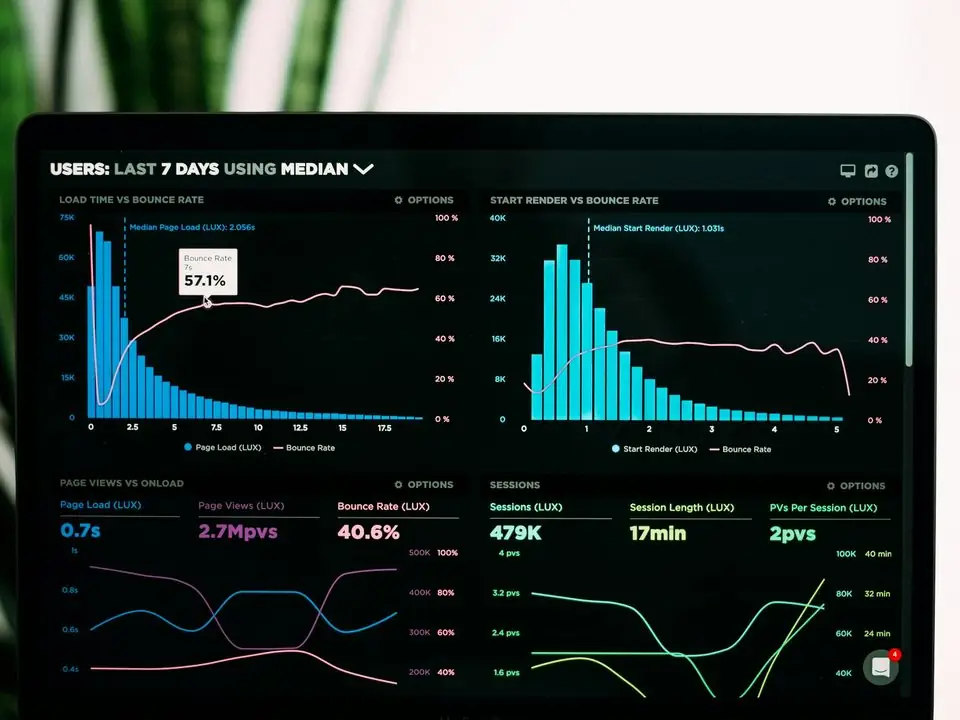
The products we configure, integrate and support on projects like this one.


Product names and logos are trademarks of their respective owners and are shown only to identify the software we implement.
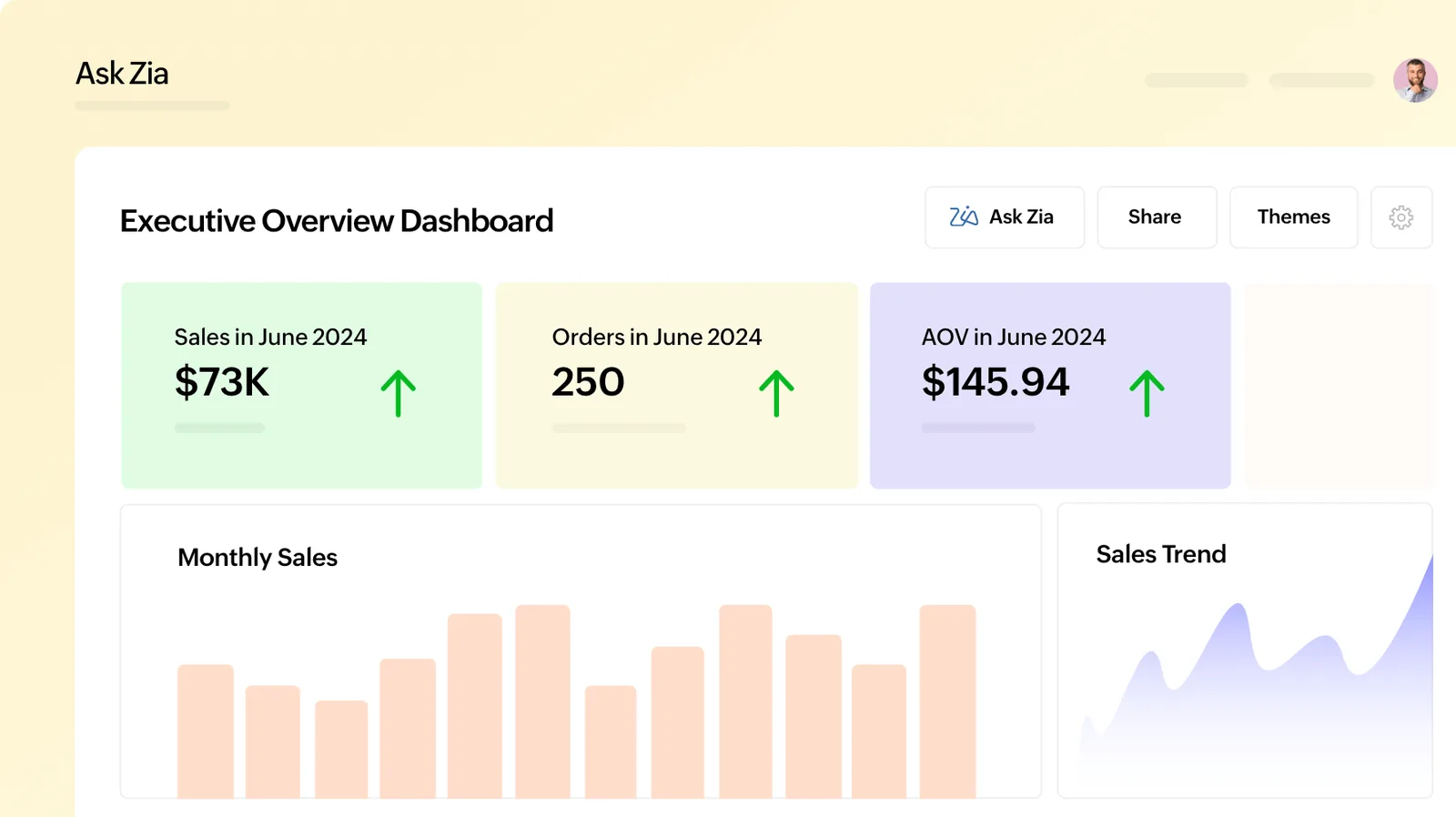
This is the kind of one-page view we design with leadership teams in the first workshop.
Good dashboards come from a good data model. This is the sequence we follow.
One shared database: every step updates stock, finance and reports in real time.
These features do the heavy lifting in most Zoho Analytics setups for UAE clients.
Scheduled syncs from Zoho Books, CRM, Inventory, Desk and other Zoho apps with prebuilt tables and relationships.
Imports from SQL databases, cloud storage, spreadsheets and other business apps for blended reporting.
SQL-based tables that combine sources, for example invoices joined to CRM owners and budget lines.
Interactive dashboards with filters for entity, period and branch, suitable for board packs.
Finance-style pivots for ageing, sales by month and expense analysis that accountants recognize.
Sharing rules so a branch manager sees only their branch while directors see the group.
Natural language questions such as sales by region last quarter, answered as charts from your data.
Dashboards emailed as PDF on a schedule and alerts when a metric crosses a threshold.
Zoho Analytics is useful because it reaches beyond Zoho. These are frequent sources in our UAE projects.
Zoho Analytics does not file returns, but it helps finance check figures before they do. Confirm tax positions with your tax advisor.
Reports that compare output and input VAT by tax code and period against the VAT return totals help catch coding errors before filing on EmaraTax.
Views by entity of revenue, expense categories and adjustments help track whether taxable income is above the AED 375,000 threshold where the 9% rate applies. Your advisor confirms the final computation.
Ahead of e-invoicing from 2027, reports can flag customers missing TRNs or invoices with incomplete fields. Check the latest Ministry of Finance and FTA guidance on required data.
Row-level permissions and audit logs support personal data protection obligations when dashboards include employee or customer data.
General information, not tax or legal advice. Rules change; confirm current FTA, MOHRE and Ministry of Finance guidance with your advisor.
These points keep Zoho Analytics trusted after the first month, which is when most BI projects lose momentum.
See how Zoho Analytics fits with your ERP data and other BI options.
We configure the system for the rules UAE businesses report against, and test it before go-live.
General information, not tax or legal advice. Confirm current requirements with the FTA, MOHRE or your advisor. See all UAE compliance guides.
On-site workshops in Dubai, Abu Dhabi and Sharjah, and remote or on-site delivery across the Northern Emirates and free zones.
Official sources and references
Facts on this page were checked against these sources in October 2026. Rules change, so confirm current requirements before acting.
Still have a question? Our consultants are happy to help.
Ask an ExpertNot always. If standard reports answer your questions, you may not. Zoho Analytics becomes worthwhile when you need to combine apps, consolidate several entities or compare against budgets.
Yes. Data from several Zoho Books organizations can be combined into group views. Intercompany eliminations need care, and we design them with your finance team.
Yes. Zoho Analytics connects to many databases, files and cloud apps. A legacy ERP or POS system can feed the same dashboards as Zoho data.
Both are BI tools. Zoho Analytics has deeper ready connectors for Zoho apps, while Power BI is common in Microsoft-heavy companies. We recommend based on your main systems.
Sync frequency depends on the connector and your plan, ranging from scheduled intervals during the day to daily syncs. We choose a frequency that fits how often decisions are made.
A first management dashboard from Zoho sources often takes 2-4 weeks. Blending external systems and budgets usually adds a few more weeks.
Related Solutions
Related Industries
Related ERP Platforms
Send us the reports your management team asks for each month, and we will outline a Zoho Analytics model that produces them automatically.
Dubai, United Arab Emirates