L
O
A
D
I
N
G


Zoho, Odoo, ERPNext, Dynamics 365 and custom ERP, delivered by one accountable team.

As an Odoo Official Partner in Dubai, we move UAE companies from SAP Business One to Odoo with a mapping your finance team signs off and reconciliations they can check.
A SAP Business One to Odoo migration in the UAE reshapes data for Odoo's modular model: OCRD business partners become res.partner contacts, OITM items become product templates and variants, OWHS warehouses become Odoo warehouses and OITT BOMs become Odoo Manufacturing bills of materials. The target database is configured with UAE VAT taxes and AED currency, and balances are reconciled through several trial loads.
A SAP Business One to Odoo migration in the UAE is more than copying tables. SAP B1 organizes everything around marketing documents that copy forward, from sales quotation to order, delivery and A/R invoice. Odoo uses a modular model where Sales, Inventory and Accounting are separate apps that share the same records, and stock moves and journal entries are generated as operations are validated. Your team will work differently, so the data has to be shaped for the way Odoo thinks.
In practice that means business partners from OCRD become contacts in Odoo's res.partner model, with company and individual contacts linked as parent and child. Items from OITM become product templates and variants. Warehouses from OWHS become Odoo warehouses with their own locations, and SAP B1 bin locations become sub-locations. BOMs from OITT become Odoo Manufacturing bills of materials. The mapping work is about these structural differences, not only field names.
We are an Odoo Official Partner with a team in Dubai, and we do not implement SAP. Our job here is to get your data out of SAP B1 accurately and land it in a properly configured Odoo database with UAE VAT taxes, an AED company currency and the apps you actually need. For the wider decision, see our Odoo vs SAP Business One comparison.

The products we configure, integrate and support on projects like this one.
 Odoo Invoicing / Accounting
 Odoo Sales
 Odoo CRM
 Odoo Inventory
 Odoo Purchase
 Odoo Manufacturing
Product names and logos are trademarks of their respective owners and are shown only to identify the software we implement.
These are the points where we spend the most time on SAP Business One to Odoo moves.
SAP B1 uses UoM groups with inventory, purchasing and sales units on each item. Odoo uses UoM categories with a reference unit and ratios, so each SAP group needs a matching Odoo category or conversions will be wrong on the first purchase order.
SAP B1 period and volume discounts and special prices per business partner do not copy one-to-one. We rebuild them as Odoo pricelists with rules, and check sample quotations against SAP B1 output before go-live.
SAP B1 approval templates on purchase orders or sales discounts need to be recreated. Odoo offers purchase order approval thresholds, the Approvals app and automated actions, and we choose the simplest option that matches your authority matrix.
Many UAE SAP B1 users rely on custom Crystal layouts for tax invoices, delivery notes and statements. These are redesigned as Odoo QWeb reports, including bilingual Arabic and English layouts where you need them.
If SAP B1 runs moving average and you choose FIFO in Odoo, or the other way round, opening stock values must be agreed with your accountant before the load so that the Odoo stock valuation report matches the general ledger.
SAP B1 distribution rules and profit centers become Odoo analytic plans and analytic accounts. Agreeing that structure early avoids reloading journals later.
A summary of the main mapping decisions. The full file runs to field level and is signed off by your process owners.
| SAP B1 object | Odoo model or app | Key fields carried | Decision to make |
|---|---|---|---|
| OCRD (customers and vendors) | res.partner (Contacts) | Name, TRN, addresses, payment terms, credit limit | Single partner for customer-vendors, or keep separate |
| OCPR (contact persons) | res.partner child contacts | Name, role, email, mobile | Which contacts are still active |
| OITM (items) | product.template / product.product | Code, description, UoM, category, barcode | Variants versus separate products |
| OITB (item groups) | Product categories | Group name, accounts, costing method | Costing method per category |
| OWHS / OBIN | Warehouses and stock locations | Codes, addresses, bin hierarchy | Use routes such as two- or three-step delivery |
| OBTN / OSRN | Lots and serial numbers | Lot or serial, expiry, quantity | Expiry and removal strategy (FEFO) |
| OITT / ITT1 (BOMs) | mrp.bom (Manufacturing) | Components, quantities, UoM | Kits versus manufactured BOMs |
| OACT (chart of accounts) | account.account | Code, name, account type | Simplify or keep SAP numbering |
| OSTC (tax codes) | account.tax and fiscal positions | Rate, tax group, VAT return mapping | Reverse charge and zero-rated setup |
| OINV / OPCH (open) | Customer and vendor invoices | Number, date, currency, amount due, tax | Load open items or summary balances |
| OPRC / OOCR | Analytic plans and accounts | Cost center codes and names | Plan structure for reporting |
Odoo model names refer to recent Odoo releases. We confirm field availability against the exact Odoo version and edition you choose.
Odoo configuration and data work run together, because the data needs a correctly set up database to land in.
We walk through your SAP B1 processes in a working Odoo database: quotation to invoice, purchase to payment, stock transfers, and production if you manufacture. Gaps are logged as configuration, Odoo Studio changes or development.
We set up the company, AED currency, UAE taxes, fiscal positions, warehouses, routes and analytic plans first, so imported records reference real configuration rather than placeholders.
SAP B1 data is extracted with SQL queries or standard exports, then transformed into Odoo import files with external IDs so records can be re-imported and linked without duplicates.
We load masters, then open documents and opening balances, and reconcile the Odoo trial balance, partner ledgers and stock valuation against SAP B1 at the cut-off date.
Users rehearse daily tasks in the test copy, then we cut over on a date that falls after a period close in SAP B1, and support the first month-end in Odoo.
What you hold at the end of the project.
Ranges assume one UAE company and standard Odoo apps. Manufacturing or several legal entities take longer.
Durations are typical ranges; your plan is agreed after discovery.
Process walkthroughs in Odoo, gap list agreed, history scope decided.
Company, taxes, warehouses, pricelists, approvals and reports set up.
Two or more rehearsals with reconciliation sign-off.
Key users run real scenarios end to end in the test database.
Final load, cut-over and support through the first Odoo month-end.
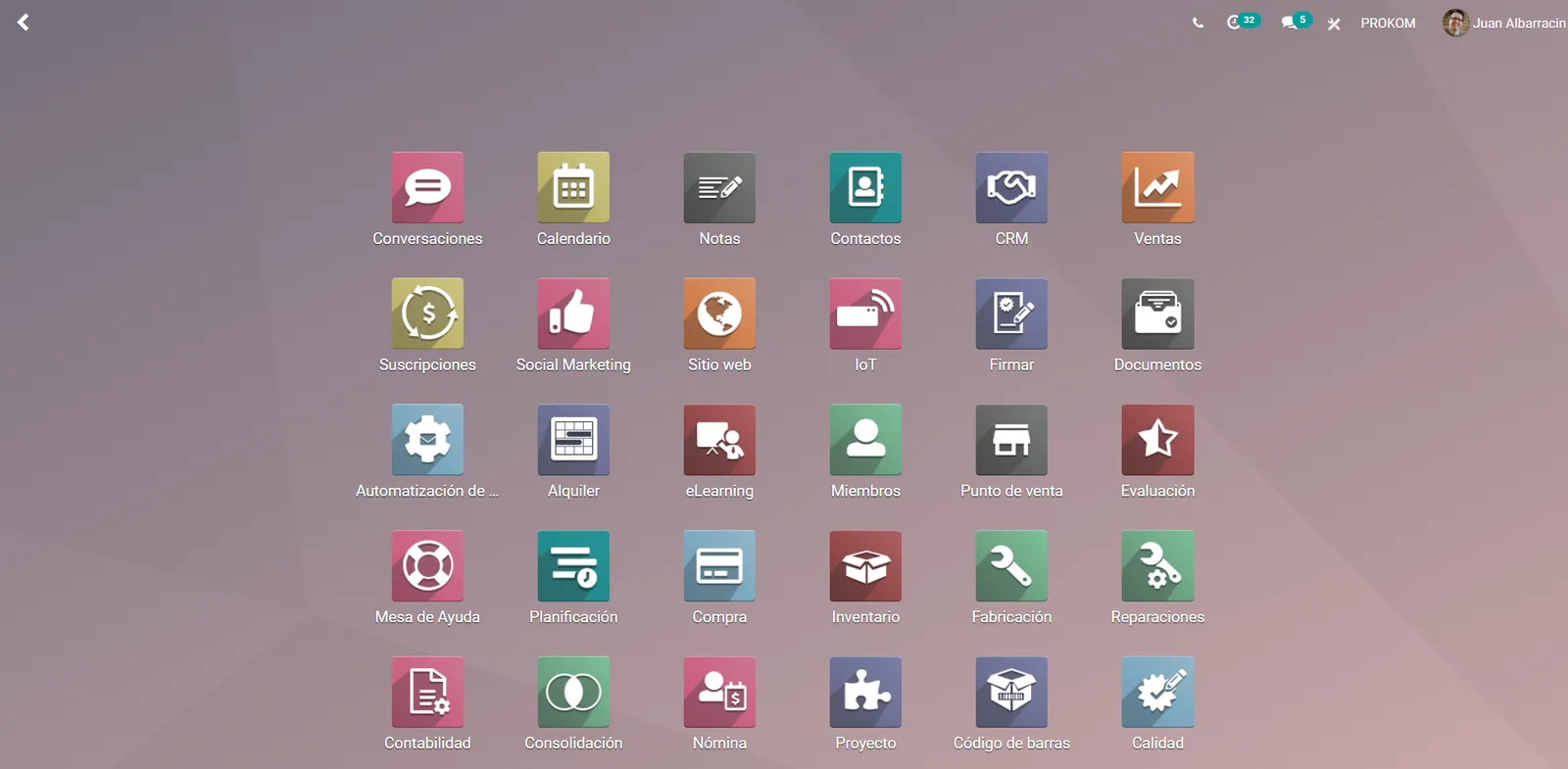
Your project team sees load progress and reconciliation status in one place.
More on Odoo and on leaving SAP Business One.
We configure the system for the rules UAE businesses report against, and test it before go-live.
General information, not tax or legal advice. Confirm current requirements with the FTA, MOHRE or your advisor. See all UAE compliance guides.
On-site workshops in Dubai, Abu Dhabi and Sharjah, and remote or on-site delivery across the Northern Emirates and free zones.
Official sources and references
Facts on this page were checked against these sources in October 2026. Rules change, so confirm current requirements before acting.
Still have a question? Our consultants are happy to help.
Ask an ExpertFor many trading, distribution, service and light manufacturing companies, yes. Odoo covers sales, purchase, inventory, accounting and manufacturing in one database with UAE tax configuration. Companies with very specialized SAP B1 add-ons need a fit-gap review first, and we will tell you if a gap is too large.
Most SAP B1 users move to Odoo Enterprise because they rely on full accounting, approvals and reporting features. Community can work for simpler needs. We compare both on your process list before you buy.
Yes. We design bilingual Arabic and English tax invoice templates in Odoo with your TRN and the fields required for UAE tax invoices. Your tax advisor should confirm the final layout.
Open documents keep their SAP B1 numbers as references in Odoo so customers and vendors can match them. New documents follow Odoo sequences, which we can configure with prefixes per document type.
We extract it with the rest of the database and map it to the Odoo app that replaces the add-on, for example Odoo Payroll or a custom module. Where no direct replacement exists, we discuss configuration or development options.
A single-company move with standard apps often takes around 10-16 weeks including configuration and testing. Manufacturing, multiple companies or heavy customization extend that range.
Related Solutions
Related Industries
Related ERP Platforms
Talk to our Odoo team in Dubai on +971 55 145 3265 or at contact@uaeerpexperts.com to book a fit-gap session with your own SAP B1 data.
Dubai, United Arab Emirates