L
O
A
D
I
N
G


Zoho, Odoo, ERPNext, Dynamics 365 and custom ERP, delivered by one accountable team.

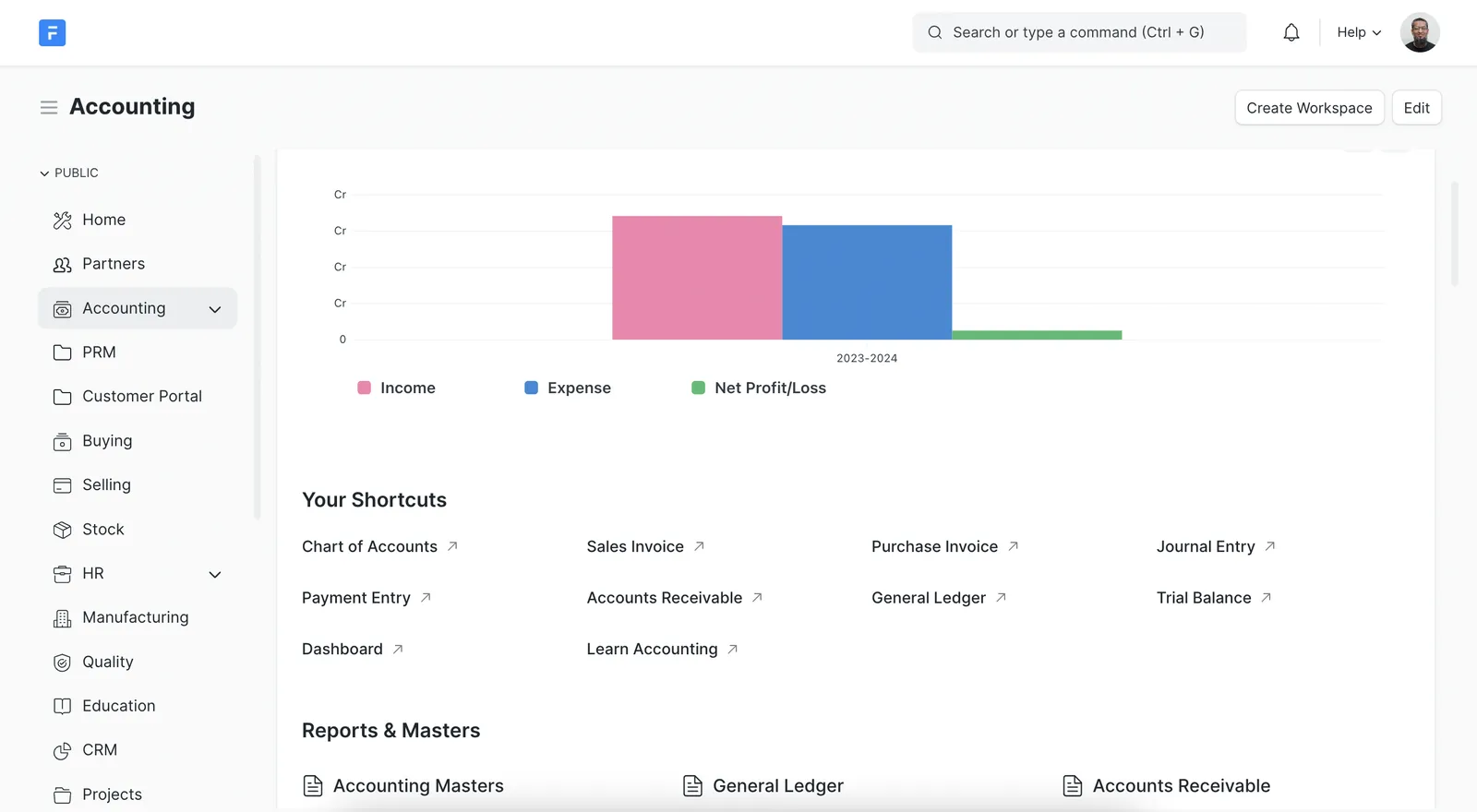
ERPNext uses tree-based accounts, cost centres and warehouses that feel familiar to Tally users. As an ERPNext and Frappe partner, we use that similarity to move your data with fewer redesign decisions and tight reconciliation.
Migrating from Tally to ERPNext in the UAE is usually the least disruptive route for accountants, because ERPNext's tree of group and ledger accounts, cost centres and nested warehouses mirrors Tally groups, cost categories and godowns. The migration maps those structures, loads masters and opening balances, and reconciles them, while ERPNext adds linked purchasing, delivery, stock entries, BOMs and perpetual stock valuation.
A Tally to ERPNext migration in the UAE tends to be the least disruptive route for accountants. ERPNext's chart of accounts is a tree of group and ledger accounts, cost centres sit in their own tree, and warehouses nest like Tally godowns. Accountants who know Tally's group structure understand ERPNext's account tree within a day or two.
The bigger change is everything around the books. ERPNext adds material requests, purchase orders, purchase receipts, delivery notes, stock entries, BOMs and projects, all linked to accounting. Stock is valued perpetually per warehouse, and each transaction carries its own cost centre and, if you configure them, accounting dimensions such as branch or division.
ERPNext is open source and can run on Frappe Cloud or your own server, which matters to UAE companies that want to avoid per-user license fees or keep data on their own infrastructure. We are an ERPNext and Frappe partner and handle both the migration and the ERPNext implementation around it. For a platform-neutral view first, see Tally to ERP migration.

The products we configure, integrate and support on projects like this one.
 ERPNext
 Frappe HR
 Frappe Framework
 Frappe CRM
Product names and logos are trademarks of their respective owners and are shown only to identify the software we implement.
Similar structures do not mean a straight copy. These are the areas where Tally to ERPNext projects need the most care.
Because ERPNext can mirror Tally groups, there is a temptation to copy every level. It is usually better to tidy the tree now so financial statements and corporate tax workpapers read cleanly.
ERPNext keeps customers and suppliers as separate records linked to a shared Debtors or Creditors account. Hundreds of Tally party ledgers become party records, not hundreds of GL accounts.
ERPNext supports FIFO and moving average valuation, set at system or item level. Tally closing stock must be loaded through a Stock Reconciliation at rates that reproduce the Tally value.
If Tally tracked batches with expiry, items in ERPNext need batch tracking enabled before opening stock is posted, or the balances cannot be split by batch later.
Self-hosted ERPNext needs backups, updates and security handled. Frappe Cloud removes much of that work. The choice affects the migration plan and who runs the system afterwards.
Extra Tally fields such as delivery terms or vehicle numbers become custom fields in ERPNext, and print formats are rebuilt with Jinja templates.
ERPNext doctype names are listed so your IT staff can follow the import files.
| Tally | ERPNext doctype | Mapping notes |
|---|---|---|
| Groups | Account (is_group = 1) | Root types set as Asset, Liability, Equity, Income or Expense |
| General ledgers | Account (ledger) with account type | Bank, Cash, Receivable, Payable, Tax and Stock types matter for automation |
| Sundry Debtors ledgers | Customer, with Customer Group and Territory | Territory can follow emirate; tax ID holds the TRN |
| Sundry Creditors ledgers | Supplier, with Supplier Group | Default payable account and payment terms template |
| Cost categories and cost centres | Cost Center tree and Accounting Dimensions | Make dimensions mandatory where reports depend on them |
| Stock groups | Item Group tree | Defaults such as income and expense accounts set per group |
| Stock items | Item with UOM, conversion factors and valuation method | Enable batch or serial tracking before opening stock |
| Godowns | Warehouse tree | Each warehouse linked to its stock account |
| Bill-wise outstanding | Sales and Purchase Invoices via Opening Invoice Creation Tool | Keeps due dates for aging |
| Ledger opening balances | Journal Entry marked as opening | Posted on the day before go-live |
Imports use ERPNext's Data Import tool with templates generated from your configured system.
A repeatable sequence we can rehearse in a test site before touching production.
Company, fiscal year, currency, UAE VAT templates, account tree, cost centres and warehouses are configured on Frappe Cloud or your server.
Groups, ledgers, stock items, units and godowns are exported from Tally, deduplicated and converted into ERPNext Data Import templates.
Customers, suppliers and items are imported, then open invoices through the Opening Invoice Creation Tool, then the opening Journal Entry for remaining balances.
A Stock Reconciliation per warehouse sets quantities, rates and batches so the stock ledger value equals Tally's closing stock.
Trial Balance, Accounts Receivable, Accounts Payable and Stock Balance reports are compared with Tally. Once signed off, users move to ERPNext.
Handed over on your ERPNext site with supporting files.
Indicative ranges only. Manufacturing BOMs, payroll or multi-company setups extend the plan.
Durations are typical ranges; your plan is agreed after discovery.
Tally data review, hosting decision and module scope.
Accounts, stock, buying, selling and any manufacturing setup.
Trial loads on a staging site with reconciliation each round.
Users rehearse daily transactions and month-end steps.
Final load, support through first VAT period and close.
We track each import and reconciliation so nothing is assumed.
Continue with the ERPNext platform or other migration routes.
We configure the system for the rules UAE businesses report against, and test it before go-live.
General information, not tax or legal advice. Confirm current requirements with the FTA, MOHRE or your advisor. See all UAE compliance guides.
On-site workshops in Dubai, Abu Dhabi and Sharjah, and remote or on-site delivery across the Northern Emirates and free zones.
Official sources and references
Facts on this page were checked against these sources in October 2026. Rules change, so confirm current requirements before acting.
Some earlier ERPNext versions included a Tally migration utility, but current projects normally use the standard Data Import tool and the Opening Invoice Creation Tool. That route gives better control over cleaning and reconciliation.
Technically yes, since ERPNext also uses a tree. We usually recommend simplifying it, removing unused groups and aligning it with how management and auditors read your accounts.
ERPNext supports VAT through tax templates, TRN on parties and a regional VAT report used to prepare the return you file on EmaraTax. Confirm the configuration with your tax advisor before the first filing.
Frappe Cloud suits most SMEs because hosting, updates and backups are managed. Self-hosting suits companies with in-house IT or data residency requirements. Both run the same ERPNext.
Yes. ERPNext includes BOMs, work orders, job cards and production costing. We usually migrate the accounting and stock first, then bring in manufacturing data once BOMs are verified.
Tell us how your business runs today and where it gets stuck. We'll recommend the right platform, outline the implementation approach and give you a realistic timeline, with no obligation.
Dubai, United Arab Emirates