L
O
A
D
I
N
G


Zoho, Odoo, ERPNext, Dynamics 365 and custom ERP, delivered by one accountable team.

We design and build the technical layer that connects your ERP to other systems, with secure authentication, clear error handling and monitoring your team can see.
ERP API integration in the UAE connects platforms such as Odoo, ERPNext, Zoho and Dynamics 365 Business Central to e-commerce stores, banks, carriers and HR systems using REST, RPC, OData or webhooks, directly or through middleware. A well-built integration uses secure authentication, retries failed calls, logs every change and alerts staff when something fails rather than failing silently.
ERP API Integration UAE work is about the engineering underneath a connection: which endpoints are called, how credentials are stored, what happens when a request fails at 2 a.m., and how someone finds out. Our ERP integration services page covers which systems to connect and why. This page covers how we build those connections so they keep working.
Every major platform we implement exposes an API. Odoo offers XML-RPC and JSON-RPC external APIs. ERPNext and the Frappe framework provide a REST API with token or OAuth authentication. Zoho Books, Zoho Inventory and Zoho CRM have REST APIs secured with OAuth 2.0 and per-organization call limits. Dynamics 365 Business Central exposes REST APIs and OData endpoints with Microsoft Entra ID authentication.
We connect these to e-commerce stores, banks, logistics carriers, payment gateways, HR systems, government portals and in-house applications, either directly or through a middleware layer. The goal is the same each time: data arrives once, in the right format, and failures are visible instead of silent.
Security matters as much as data flow. Many UAE companies hold customer, salary and bank data in their ERP, so we keep integration traffic encrypted, limit each integration user to the records it needs, and log who or what changed each record. Where your policies require data to stay in a particular cloud region, we design the middleware hosting to match.

Most broken integrations we inherit were built quickly to meet a go-live date, without thinking about failure.
A script fails on a bad record and stops, but nobody is told. Orders or payments go missing until a customer complains.
API keys sit in plain text inside scripts or shared spreadsheets. When a staff member leaves, nobody knows which keys to rotate.
Bulk syncs hit platform call limits during busy periods. Partial updates leave stock or prices out of step between systems.
Retries without idempotency create the same sales order or invoice twice. Finance then spends hours reversing entries.
Each system talks directly to every other system, so one change to an API version breaks several flows at once.
Field mappings live only in code. Changing a tax code or adding a branch becomes a guessing exercise.
We treat each integration as a small software project with design, testing and operations.
We document each flow: source, target, direction, trigger, frequency, payload and field mapping. Decide early whether a webhook, polling or a file exchange fits best.
Simple one-way flows can call the ERP API directly. Many-to-many flows, heavy volumes or strict retry needs usually go through middleware such as a lightweight queue service, Zoho Flow, Power Automate or a custom service.
We use OAuth 2.0 or scoped API tokens with dedicated integration users and least-privilege roles. Secrets are kept in a vault or the platform's secure settings, never in code.
Each message carries a unique reference so retries do not create duplicates. Failed messages go to a retry queue with backoff, then to a dead-letter list for review.
Logs, alerts and a simple status view show successful and failed calls. We hand over runbooks so your team or our support desk can reprocess failures.
You own the code, the documentation and the credentials.
Durations depend on the number of flows and on how well the other system's API is documented.
Durations are typical ranges; your plan is agreed after discovery.
Review both APIs, limits, authentication and sample payloads.
Agree mappings, triggers and error rules with business owners.
Develop flows, middleware and logging in a test environment.
Run volume tests, failure tests and user acceptance with real scenarios.
Switch on in stages and watch logs closely before handing over.
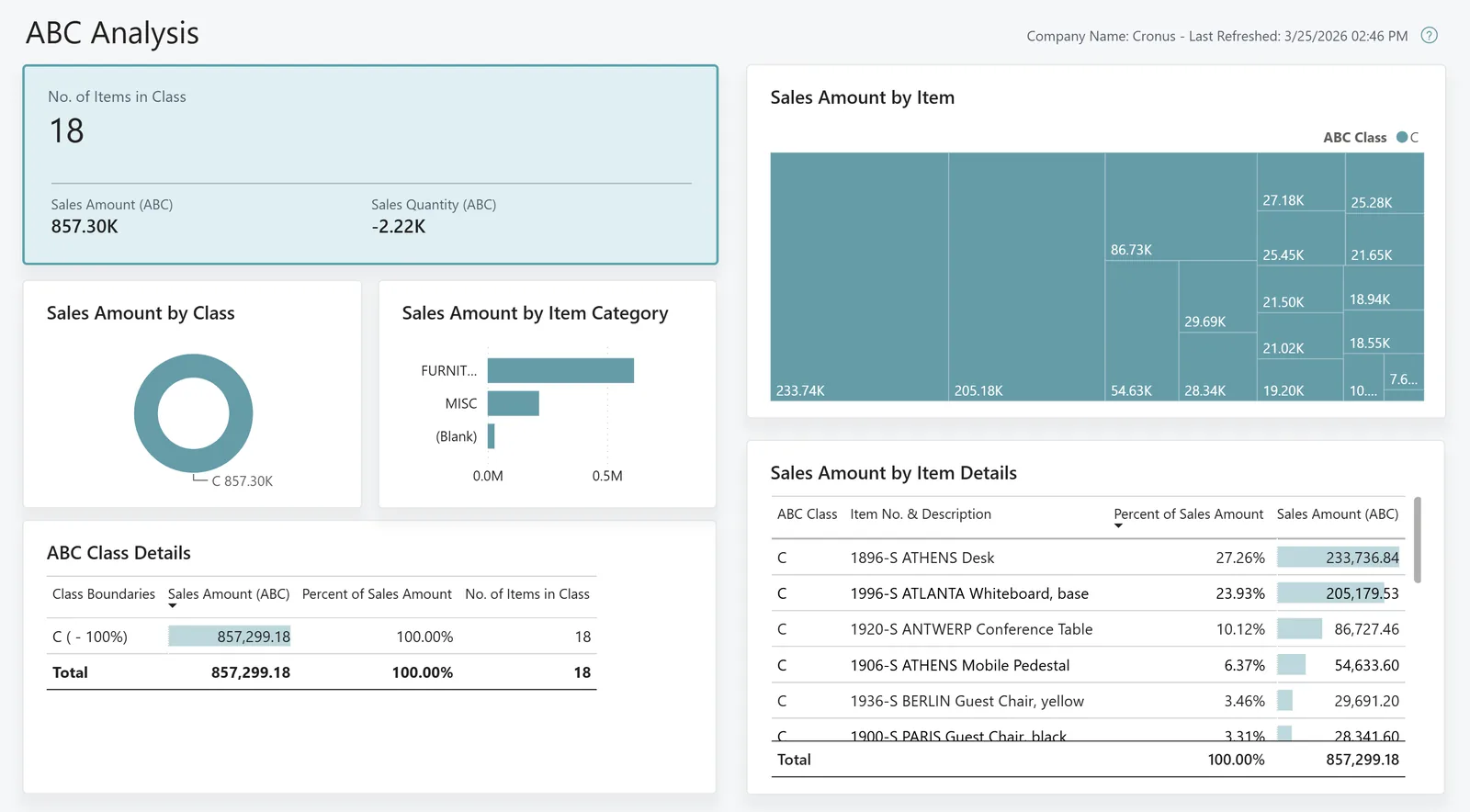
A simple monitoring screen tells your team whether data is flowing, without reading server logs.
These benefits come from design choices, not from any single tool.
Alerts and a status view replace surprise discoveries at month-end.
Idempotent design means retries do not create duplicate orders, invoices or payments.
Scoped integration users and stored secrets reduce the risk when people change roles.
Documented mappings and middleware make it simpler to add a new store, branch or bank.
Platform-specific integration services and related work.
We configure the system for the rules UAE businesses report against, and test it before go-live.
General information, not tax or legal advice. Confirm current requirements with the FTA, MOHRE or your advisor. See all UAE compliance guides.
On-site workshops in Dubai, Abu Dhabi and Sharjah, and remote or on-site delivery across the Northern Emirates and free zones.
Official sources and references
Facts on this page were checked against these sources in October 2026. Rules change, so confirm current requirements before acting.
Still have a question? Our consultants are happy to help.
Ask an ExpertDirect calls are fine for one or two simple flows. Once you have several systems, high volumes or strict retry needs, middleware gives you queuing, mapping and monitoring in one place. We recommend based on your volumes and team skills.
Often yes, through scheduled file exchange over SFTP, database views or email parsing. These are less real-time, so we design the flow and checks accordingly.
We batch requests, use webhooks instead of polling where available, and queue work during peaks. Limits differ by platform and edition, so we check them during discovery.
The UAE model exchanges invoices through Accredited Service Providers on a Peppol-based network using the PINT AE specification, so most businesses will connect their ERP to an ASP, often by API. Check the latest Ministry of Finance and FTA guidance for dates and requirements.
Your team can run it using our runbooks, or our support desk can monitor alerts and reprocess failures under a support plan.
Webhooks are preferred when the source system supports them, because changes arrive within seconds and fewer calls are made. Polling on a schedule is used when webhooks are not available, with a last-modified filter so only changed records are fetched.
Related Solutions
Related Industries
Related ERP Platforms
Send us the systems you need to connect and we will come back with a design and a hedged effort estimate.
Dubai, United Arab Emirates