L
O
A
D
I
N
G


Zoho, Odoo, ERPNext, Dynamics 365 and custom ERP, delivered by one accountable team.

Built for neighborhood groceries and minimarts that take phone and WhatsApp orders, run customer credit accounts and buy from van salesmen every day.
A small grocery store or minimart in the UAE needs a light ERP, usually Odoo, ERPNext or Zoho, that combines POS, stock, purchases, customer credit accounts and VAT reporting. It should turn phone and WhatsApp orders into delivery tickets, track expiry on dairy, bakery and chilled lines, and record daily van salesman purchases, without the complexity of a hypermarket system.
An ERP for grocery stores in the UAE is a different job from a hypermarket system. A typical neighborhood grocery or minimart in Al Nahda, Al Karama, Mussafah or Al Nuaimiya runs with a handful of staff, one or two tills, a delivery boy on a bike, and an owner who still knows most regular customers by name. The pressure points are cash, credit, expiry dates and the steady stream of supplier van salesmen at the door.
Many of these outlets start with a basic billing app and a notebook for credit customers. That works until the owner opens a second store, a supplier disputes an invoice, or the FTA asks for records the billing app never kept properly. At that point a light ERP that combines POS, stock, purchases, customer accounts and VAT reporting saves hours every week without adding complexity the team cannot handle.
We set up grocery ERP on platforms that small teams can actually run day to day, usually Odoo, ERPNext or Zoho, and keep the configuration lean. If you operate a larger multi-branch format, our supermarket ERP page covers central buying and distribution centers instead.
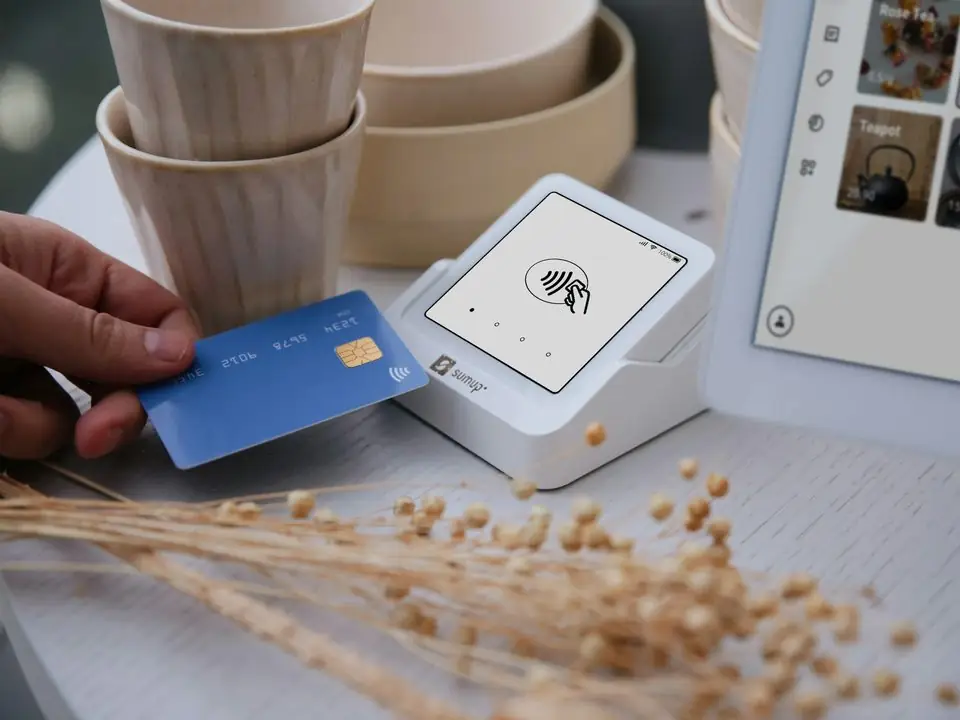
These are the issues grocery owners describe to us, often in the first five minutes of a call.
Regular customers buy on account and settle monthly, but balances live in a paper book or the owner's memory. Disputes over what was bought and when are common, and unpaid balances quietly grow.
Orders arrive by phone or WhatsApp, are packed from a handwritten list, and the cash collected by the delivery boy is settled at the end of the day. Items missed on the bill are lost revenue.
Yogurt, laban, bread and chilled goods expire quickly. Without batch or expiry tracking, old stock is found by customers or inspectors rather than staff.
Several suppliers deliver daily from vans and leave paper invoices. Matching what arrived, what was returned and what was paid takes the owner's evenings.
Cigarettes, phone recharge cards, fresh produce and packaged goods have very different margins. A single sales total hides which part of the shop actually makes money.
Walk-in sales, delivery orders and supplier purchases all post to the same stock and accounts.
One shared database: every step updates stock, finance and reports in real time.
Keep the first phase small. These six blocks cover almost everything an independent grocery needs.
Touchscreen or keyboard billing with barcode scanning, quick keys for loose items and receipts that meet simplified tax invoice rules.
Batch and expiry tracking on short-life lines, with a weekly list of items expiring in the next few days so staff can discount or return them.
Credit limits per customer, sales charged to account at the till, and monthly statements sent by WhatsApp or email.
Phone and WhatsApp orders captured as sales orders, assigned to a delivery person and settled when cash comes back.
Supplier bills, returns of damaged or expired goods, and payments tracked per supplier so statements reconcile.
Daily sales and purchases flow into the books with input and output VAT, ready for the quarterly return.
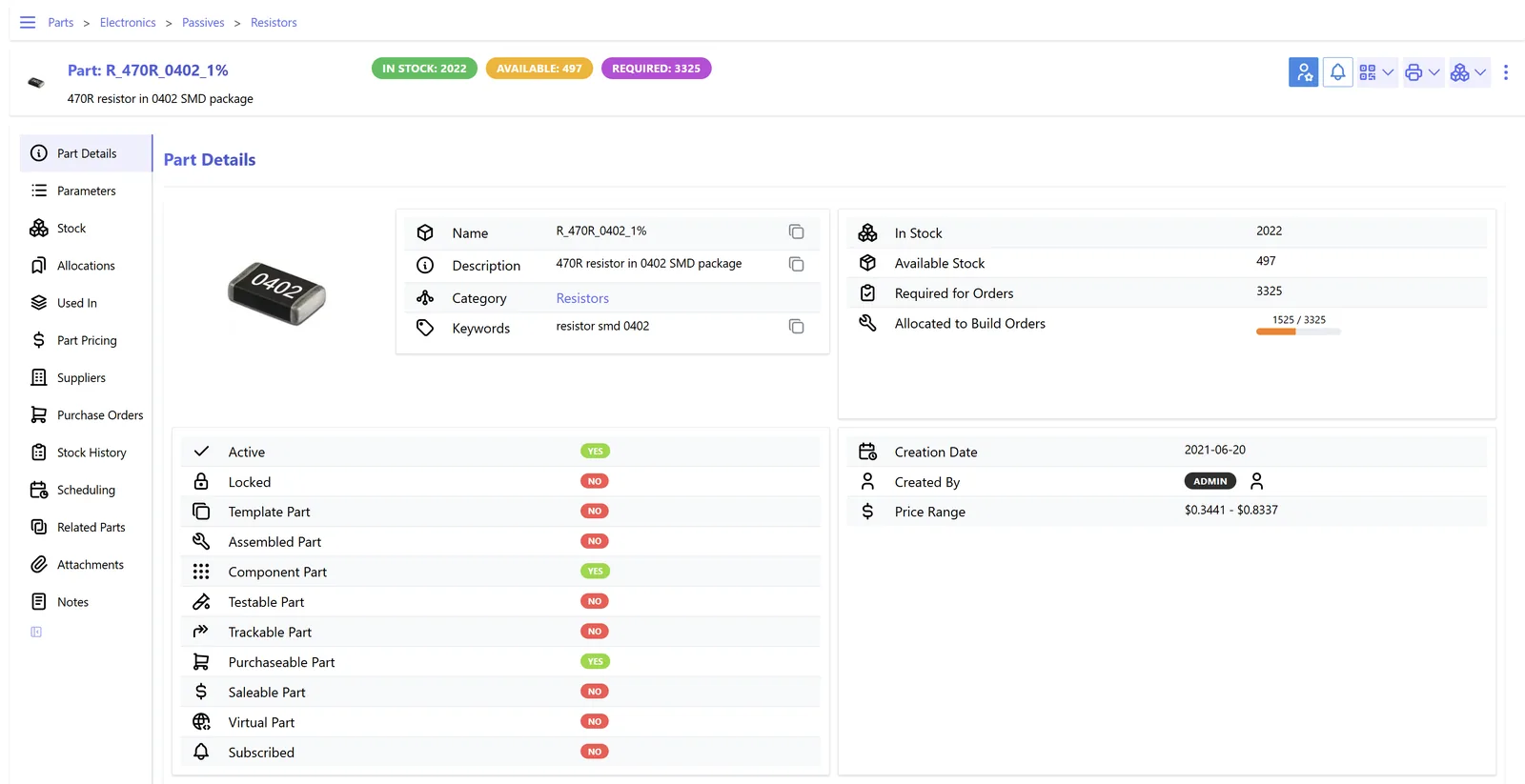
Grocery owners need a short daily list, not a forty-page report.
Independent groceries do best with the simplest system that covers their real workflow.
| Grocery profile | Often a good fit | Why | Watch-outs |
|---|---|---|---|
| Single outlet, owner-run | ERPNext or Odoo | POS, stock, purchases and accounts in one place, with no need for separate apps. | Staff need short, practical training on stock-in; skipping it breaks the numbers. |
| Two to four outlets under one owner | Odoo | Shared item list and prices, transfers between outlets and per-store profit reporting. | Agree who can change prices so outlets do not drift apart. |
| Grocery with strong delivery business | Odoo or Zoho with a delivery integration | Orders from WhatsApp or an aggregator app are captured centrally and tracked to cash. | Aggregator APIs vary; some orders may need an import or manual entry. |
| Owner already using Zoho Books | Zoho Books with Zoho Inventory and a POS | Keeps existing accounts and adds stock and billing around them. | Check POS fit for high receipt counts before committing. |
| Grocery plus wholesale to small shops | ERPNext or Odoo | Retail and trade price lists on the same items, with credit control on trade customers. | Keep wholesale invoicing separate from the retail till flow. |
We implement Zoho, Odoo, ERPNext, Dynamics 365 and custom ERP. We do not implement Tally or QuickBooks but regularly migrate grocery records from them.
We configure the system to support these rules. Please confirm specific tax treatment with your tax advisor.
Registration is mandatory once taxable supplies exceed AED 375,000 over the previous 12 months or are expected to in the next 30 days, and voluntary from AED 187,500. The ERP's sales history makes it easy to monitor where you stand.
Till receipts should carry your TRN and the details required for simplified tax invoices. When a business customer asks, the system should issue a full tax invoice with their TRN.
Purchase bills, sales records and stock records must be kept for the required period. Storing scanned van invoices against each purchase bill keeps them findable during an FTA review.
Small groceries may fall within the 0% band on taxable income up to AED 375,000, and Small Business Relief is available for qualifying tax periods ending on or before 31 December 2026. Clean books are needed either way.
General information, not tax or legal advice. Rules change; confirm current FTA, MOHRE and Ministry of Finance guidance with your advisor.
No invented percentages here. These are the practical improvements we aim for with grocery clients.
Each credit sale has a dated receipt, so monthly statements end arguments rather than start them.
Staff get a daily list of what is about to expire, giving time to discount, move or return it.
Every delivery order has a bill before it leaves, and the delivery person settles against that list at day end.
Supplier statements, VAT figures and daily totals come from the system instead of a late-night reconciliation.
A single outlet can often be live within a few weeks. Each additional outlet adds a short rollout step.
Durations are typical ranges; your plan is agreed after discovery.
We visit the store, review your current billing data and agree which items need expiry tracking and which are sold loose.
Items, barcodes, prices, tax codes, suppliers and credit customers are loaded, and receipt formats are configured.
Staff count the shelves and back store, usually overnight, to give the system an accurate starting point.
The tills switch over, and we check daily figures with the owner during the first weeks to catch habits that need adjusting.
More on small business systems, POS and inventory.
We configure the system for the rules UAE businesses report against, and test it before go-live.
General information, not tax or legal advice. Confirm current requirements with the FTA, MOHRE or your advisor. See all UAE compliance guides.
On-site workshops in Dubai, Abu Dhabi and Sharjah, and remote or on-site delivery across the Northern Emirates and free zones.
Official sources and references
Facts on this page were checked against these sources in October 2026. Rules change, so confirm current requirements before acting.
Still have a question? Our consultants are happy to help.
Ask an ExpertNot if it is set up lean. A single outlet usually needs only POS, stock, purchases, customer credit and accounts. We leave out modules you will not use, so the screens stay simple for staff.
Yes. At the simplest level, staff enter WhatsApp orders as delivery sales orders. With a WhatsApp Business API integration, order messages and confirmations can be linked more directly. We recommend starting simple and automating once volumes justify it.
Each credit customer has a limit in the system. When a cashier charges a sale to that account, the POS checks the balance and warns or blocks the sale if the limit is exceeded, depending on how you want it set.
Yes. Expiry is captured when stock arrives, not at the till. The cashier scans as normal, and the system consumes the oldest batch first in the background.
We migrate customer and supplier balances, item lists and opening stock from Tally, QuickBooks and spreadsheets. Full transaction history usually stays in the old system as an archive for reference.
Tell us how your business runs today and where it gets stuck. We'll recommend the right platform, outline the implementation approach and give you a realistic timeline, with no obligation.
Dubai, United Arab Emirates