L
O
A
D
I
N
G


Zoho, Odoo, ERPNext, Dynamics 365 and custom ERP, delivered by one accountable team.

From a five-store chain in Dubai malls to a multi-brand group across the GCC, we help retailers pick the right Dynamics 365 retail setup and connect tills, warehouse and finance.
For UAE retailers, Dynamics 365 Commerce suits multi-brand chains and regional groups, running on Finance and Supply Chain Management with the Store Commerce POS, loyalty, retail pricing and ecommerce. Smaller chains or mixed retail and wholesale businesses often fit Business Central with a POS solution from Microsoft AppSource. Both can post daily sales, cash and card settlements to finance automatically.
Dynamics 365 for retail in the UAE can mean two quite different setups, and retailers often hear about only one of them. Dynamics 365 Commerce is Microsoft's full retail product: it runs on top of Finance and Supply Chain Management and provides the Store Commerce POS app, assortments, retail pricing and discounts, loyalty, call center ordering and ecommerce. It is designed for chains with many stores, several brands or regional operations.
The second route is Business Central with a POS solution from Microsoft AppSource. This suits retailers with a handful of stores or a mix of retail and wholesale, who want strong inventory and accounting without the cost and scope of a full Commerce project. The POS handles the till, and Business Central handles items, purchasing, transfers between stores and the ledger.
Mall retail in Dubai and Abu Dhabi brings its own pressures: weekend and holiday peaks, tourist shoppers, turnover-based rent reports for landlords, and promotions that change for every shopping festival. We design around those realities. If you are still comparing platforms, our guide to the best ERP for retail companies covers alternatives, including Odoo and ERPNext, which we also implement.
Retailers rarely struggle with selling. They struggle with knowing what sold, where, and what to reorder.
A promotion set up at head office does not reach every till, or reaches it a day late. Customers notice, and store staff override prices by hand.
Stock is allocated by habit rather than sell-through. Without daily sales by store flowing back to head office, transfers and reorders lag.
Cash, card terminals, payment links and gift vouchers are reconciled store by store in Excel. Differences are discovered weeks later.
An item sold online may already be gone from the store that was meant to fulfil it. Click-and-collect promises are hard to keep without one stock view.
Many mall leases include turnover rent, so landlords ask for monthly sales figures in their format. Pulling these manually takes hours each month.
This loop runs every day for each store. Head office sees the result next morning, or in near real time with Commerce.
One shared database: every step updates stock, finance and reports in real time.
Some items come from Commerce, others from Business Central with a POS app. We note which is which.
Microsoft's POS app for Windows, tablets and mobile devices, with offline mode, returns, gift cards and customer lookup.
Price groups by channel, mix-and-match, quantity and threshold discounts, with start and end dates for each campaign.
Loyalty cards, earning and redemption rules, and tiers. Customers can be recognized at any store or online.
Size, color and style variants, plus assortments that control which products each store can sell.
Reorder rules by store, transfer orders from the distribution center and buyer's push for new collections.
Daily store statements post sales, tenders and differences to the general ledger, with bank and card settlements matched in finance.
For smaller chains, a third-party POS posts sales into Business Central, which handles items, purchasing, transfers and accounting.
Connectors to Shopify, other web stores and regional marketplaces bring online orders and stock updates into the same item master.
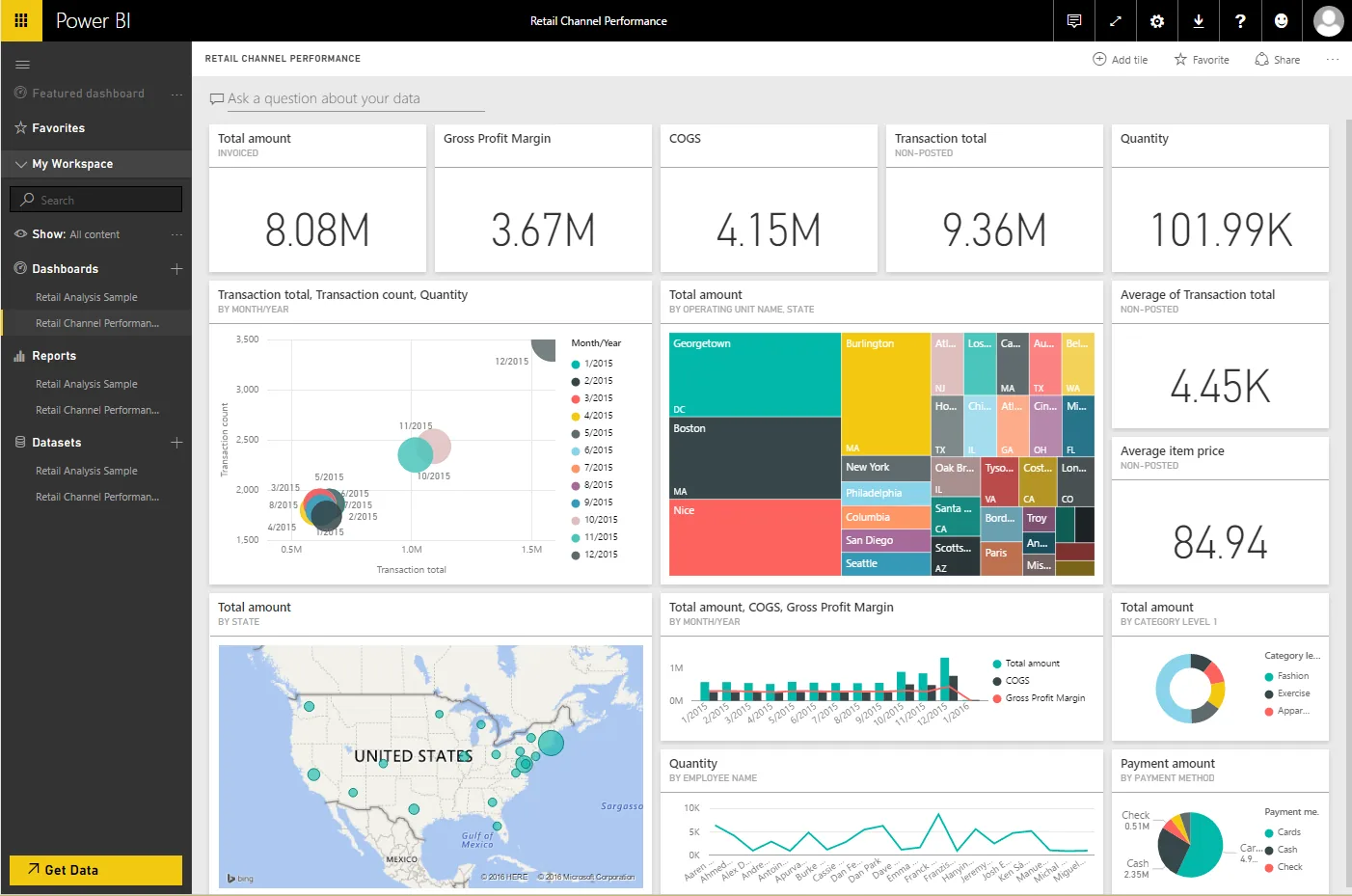
Store managers see their own store. The retail director sees every store side by side.
Retail tax rules have details that matter at the till. We configure the system to support them; confirm specifics with your tax advisor.
Prices shown to consumers in the UAE are generally VAT-inclusive. Receipts and simplified tax invoices must carry the required details, including your TRN, and we set up both English and Arabic layouts where needed.
Retailers registered in the Tax Refunds for Tourists Scheme issue tax-free tags through the scheme operator's system. We make sure POS transactions carry the data needed for that process.
The first phase of UAE e-invoicing under Ministerial Decisions 243 and 244 of 2025 focuses on B2B and B2G invoices. Retailers with wholesale or corporate sales still need to prepare for 2027. Check the latest Ministry of Finance and FTA guidance.
Shrinkage, markdowns and obsolete stock affect taxable income at 9% above AED 375,000. Regular counts and a consistent valuation method help at year-end.
Retail staff salaries are paid through WPS. We link a WPS-capable payroll solution and allocate staff costs to stores for profitability reporting.
General information, not tax or legal advice. Rules change; confirm current FTA, MOHRE and Ministry of Finance guidance with your advisor.
Retail projects are usually phased by store. A pilot store goes first, then the rest follow in waves.
Durations are typical ranges; your plan is agreed after discovery.
We visit stores, review till hardware, payment terminals, promotions and how stock is replenished today.
We confirm Commerce or Business Central with POS, then design the item, pricing and store structure.
Variants, barcodes, price groups and assortments are cleaned and loaded. Bad barcodes are the most common blocker.
One store runs live, usually outside a peak season, while we fix issues with receipts, settlement and replenishment.
Remaining stores go live in groups. Each wave includes training for cashiers and store managers.
More on retail ERP, POS and other Dynamics 365 options.
We configure the system for the rules UAE businesses report against, and test it before go-live.
General information, not tax or legal advice. Confirm current requirements with the FTA, MOHRE or your advisor. See all UAE compliance guides.
On-site workshops in Dubai, Abu Dhabi and Sharjah, and remote or on-site delivery across the Northern Emirates and free zones.
Official sources and references
Facts on this page were checked against these sources in October 2026. Rules change, so confirm current requirements before acting.
Still have a question? Our consultants are happy to help.
Ask an ExpertCommerce is Microsoft's dedicated retail product, built on Finance and Supply Chain Management, with its own POS, loyalty and omnichannel features. Business Central is a lighter ERP that relies on a third-party POS for the till. Larger chains usually need Commerce, while smaller groups often do well with Business Central.
Store Commerce has an offline mode that keeps the till running and syncs when the connection returns. Third-party POS apps for Business Central have their own offline behavior, which we check before recommending one.
Yes. Receipt layouts can include both languages. We test the printed output on your actual receipt printers during the pilot.
Yes. Connectors exist for Shopify with Business Central, and Commerce has its own ecommerce capabilities. The main design question is which system owns stock and prices, and we settle that early.
A Business Central with POS project for a few stores often runs 10 to 16 weeks. A Commerce rollout for a larger chain is longer and is phased by store waves. We avoid go-lives in peak periods such as major shopping festivals.
Related Solutions
Related Industries
Related ERP Platforms
Tell us how many stores and channels you run, and we will recommend Commerce or Business Central with POS and outline the rollout.
Dubai, United Arab Emirates