L
O
A
D
I
N
G


Zoho, Odoo, ERPNext, Dynamics 365 and custom ERP, delivered by one accountable team.

Replace envelopes of receipts and month-end spreadsheets with claims captured on a phone, checked against policy and posted straight to your ledger.
Expense management software for UAE companies captures staff spend at the moment it happens, with receipts photographed on a phone and tagged to a category, project or cost centre. Policy limits and approvals follow your delegation of authority, input VAT details are recorded per receipt, and claims, petty cash floats and corporate card spend post directly to the ledger.
Sales staff driving between Dubai and Abu Dhabi, site engineers buying consumables in Mussafah, managers entertaining clients: every UAE business has a steady flow of small spend that does not go through purchasing. Expense Management Software UAE companies adopt is meant to capture that spend once, at the moment it happens, with the receipt attached.
Without it, the pattern is familiar. Receipts fade or go missing, claims arrive weeks late, approvers sign without context, and accounts staff retype everything while trying to work out which receipts carry a valid TRN for input VAT. The result is slow reimbursement, unclear budgets and VAT that is either missed or claimed without support.
We set up expense workflows on Zoho Expense, Odoo Expenses, ERPNext and Microsoft Dynamics 365, connected to the general ledger and, where relevant, payroll. This page focuses on employee and petty cash spend; supplier purchasing belongs in procurement software.

The products we configure, integrate and support on projects like this one.

 Odoo Expenses
Product names and logos are trademarks of their respective owners and are shown only to identify the software we implement.
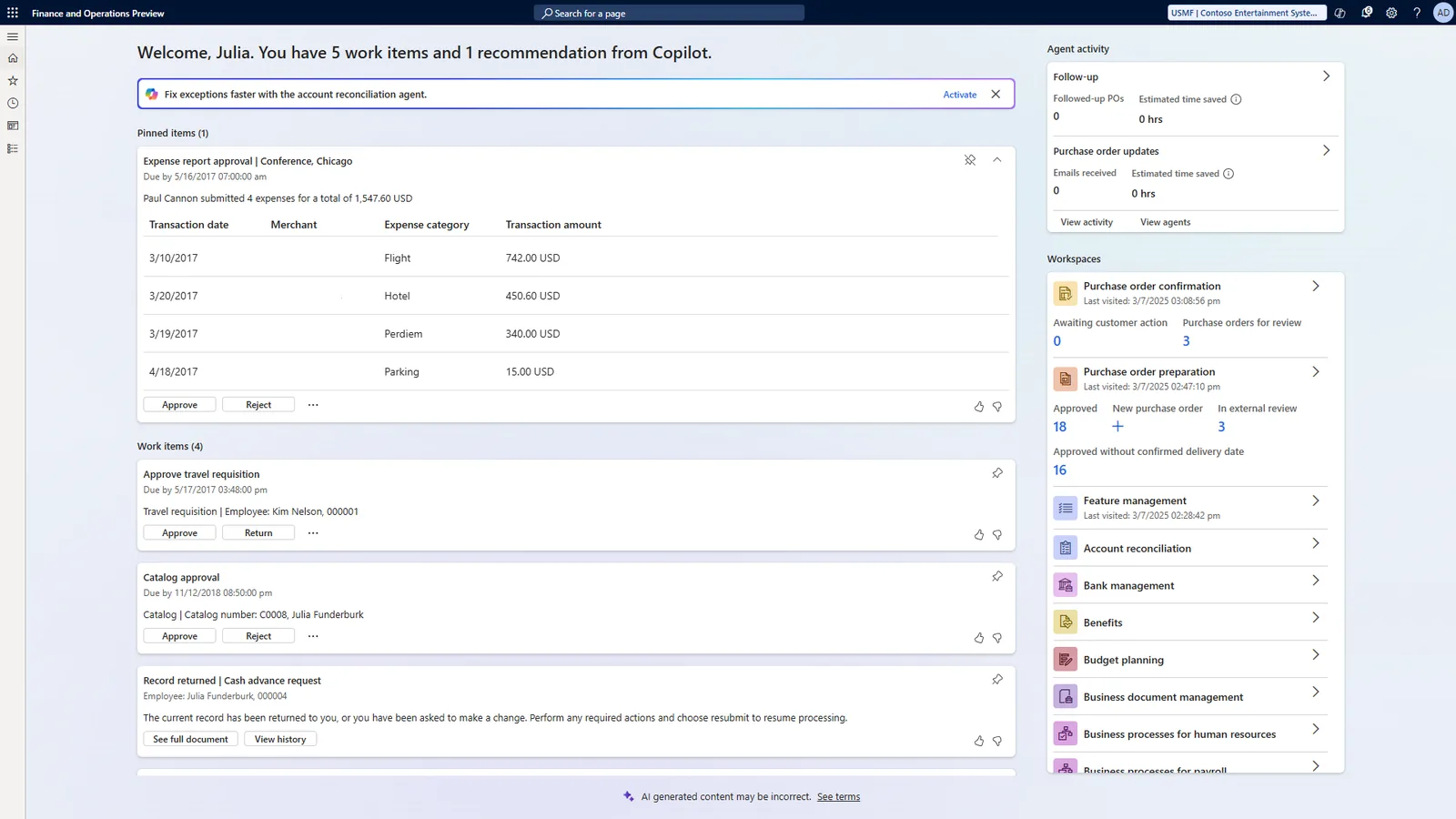
A good expense dashboard tells you what has been spent, what is waiting for approval and what is owed back to staff.
This is the expense flow we configure for most clients. Card transactions follow the same path, except that the payment already exists and the receipt is matched to it.
One shared database: every step updates stock, finance and reports in real time.
These six capabilities make the biggest difference for UAE teams with field staff, multiple sites or frequent travel.
Staff photograph a receipt and the app reads the merchant, date and amount, which they confirm rather than type.
Daily meal limits, per diem rates, mileage rates and banned categories are checked at submission, not discovered at audit.
Claims from trips to Riyadh, Mumbai or London are converted to AED using the rate method finance chooses.
Each site or branch holds a float; top-ups and expenses are recorded so the balance can be counted against the system at any time.
Card feeds or statements are imported and each transaction is matched to a receipt and a cost code.
Costs incurred for a client project can be flagged and added to the next invoice so they are not absorbed by mistake.
Each platform approaches expenses differently. The right one depends on what you already run and how much policy control you need.
| Zoho | Odoo | ERPNext | Dynamics 365 | |
|---|---|---|---|---|
| Main app | Zoho Expense | Odoo Expenses | Expense Claim (Frappe HR) | Expense management in Dynamics 365 Finance; add-ons for Business Central |
| Receipt capture | Mobile app with autoscan | Mobile app, email forwarding and receipt scanning | Attachment upload; mobile via Frappe HR app | Mobile capture in Finance; depends on add-on for Business Central |
| Policy control | Detailed policies, per diem and mileage | Category limits and approval rules | Approver per employee or department; custom rules | Detailed policies in Finance |
| Reimbursement | Through Zoho Books or payroll | Payment from Accounting or through payslip | Payment Entry or salary component | Vendor payment or payroll process |
| Advances | Supported | Supported through configuration | Employee Advance record | Cash advances in Finance |
| Best fit | Teams wanting a dedicated, polished expense app | Companies running HR and accounting in Odoo | Budget-conscious firms on ERPNext | Mid-size and larger Microsoft-based organizations |
Business Central does not include a full employee expense claim app out of the box; most companies add a Microsoft AppSource extension. We confirm options during scoping.
Expense data is only useful when it reaches the ledger, payroll and budgets without rekeying.
Expense records feed directly into VAT and corporate tax figures. We configure the fields and controls; your tax advisor confirms how the rules apply to your business.
Recovering input VAT generally requires a valid tax invoice showing the supplier's TRN and the VAT amount. Our setups capture TRN and tax amount per receipt and flag receipts that lack them, so finance can decide before claiming. Confirm with your tax advisor.
UAE VAT rules restrict input tax recovery on certain costs, such as some entertainment and motor vehicles available for personal use. We map these categories to tax codes that block recovery by default, for your advisor to review.
Under the corporate tax law, some expenses, such as client entertainment, are only partly deductible. Clear expense categories make the year-end adjustment easier to calculate. Confirm treatment with your tax advisor.
Receipts and approval history are stored against each claim, which helps you meet the FTA's record-keeping expectations and answer audit questions quickly.
General information, not tax or legal advice. Rules change; confirm current FTA, MOHRE and Ministry of Finance guidance with your advisor.
Expense management connects to accounting, payroll and budgeting. These pages go deeper.
We configure the system for the rules UAE businesses report against, and test it before go-live.
General information, not tax or legal advice. Confirm current requirements with the FTA, MOHRE or your advisor. See all UAE compliance guides.
On-site workshops in Dubai, Abu Dhabi and Sharjah, and remote or on-site delivery across the Northern Emirates and free zones.
Official sources and references
Facts on this page were checked against these sources in October 2026. Rules change, so confirm current requirements before acting.
Still have a question? Our consultants are happy to help.
Ask an ExpertStaff can photograph Arabic receipts and attach them. Automatic scanning accuracy on Arabic text varies by app, so we usually keep a quick review step where the employee confirms the amount and date before submission.
These are often better handled from statements than individual receipts. We import the monthly statement, allocate trips or fills to employees or vehicles, and post them as expenses with the right category and cost center.
Yes. Approved claims can be added to the next payroll run as a non-salary component, which some companies prefer because staff are already paid through WPS. Others pay claims separately by bank transfer. We set up whichever your finance team prefers.
Not always. Small teams with few claims can manage within the ERP's own expense feature. Once you have many field staff, frequent travel or corporate cards, a dedicated app with mobile capture and policy rules usually pays off in time saved.
Each site gets a petty cash account and a custodian. Expenses are recorded against it with receipts, and top-ups are requested through the system. Finance can compare the counted cash with the system balance during spot checks.
A standard expense rollout with categories, policies, approvals and ledger posting often takes 3-6 weeks. Card feeds, multiple entities or payroll integration add time, which we estimate after reviewing your current process.
Related Solutions
Related Industries
Related ERP Platforms
Share your current expense policy and claim process, and we will show how it would run on the platform that suits your team.
Dubai, United Arab Emirates