L
O
A
D
I
N
G


Zoho, Odoo, ERPNext, Dynamics 365 and custom ERP, delivered by one accountable team.

No desktop installs, no VPN to the office server. Here is how browser-based ERP is put together, how it is secured, and where its limits are.
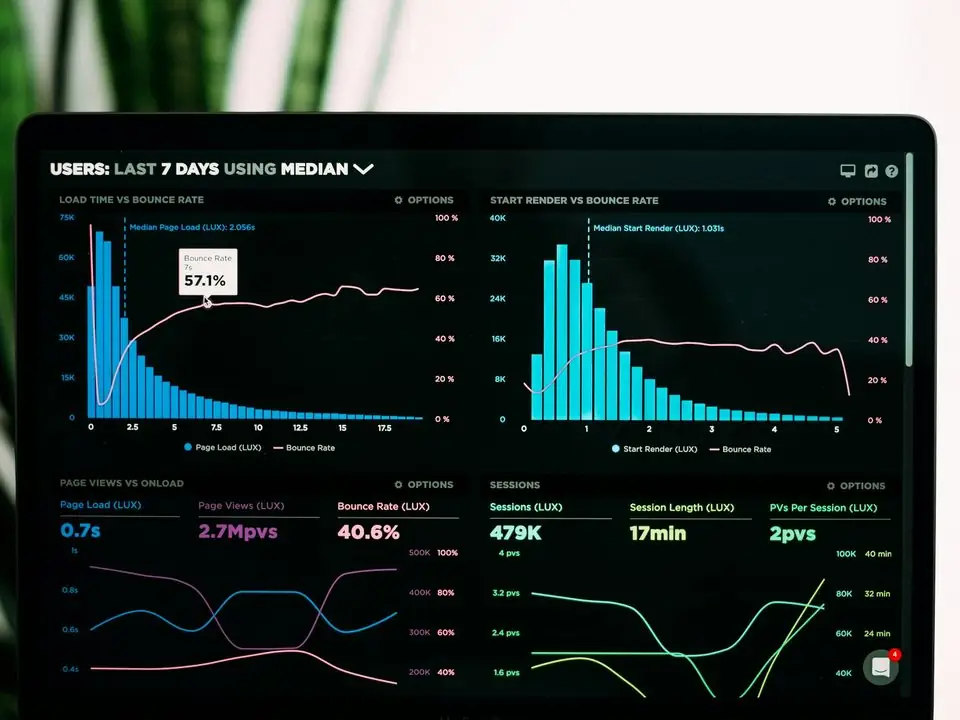
Web-based ERP software is an ERP that staff use through a browser such as Chrome, Edge or Safari, with application logic on a server and data in a central database. A storekeeper in Jebel Ali, an accountant in Business Bay and a salesperson in Abu Dhabi see the same live records without desktop installs or a VPN, whether hosting is cloud, private data centre or on-premise.
Web based ERP software in the UAE is any ERP where staff work through a web browser such as Chrome, Edge or Safari instead of a program installed on each PC. The application logic runs on a server, the data sits in a central database, and the browser is simply the window into both. A storekeeper in a Jebel Ali warehouse, an accountant in Business Bay and a sales manager visiting a client in Abu Dhabi all open the same address and see the same live records.
This is different from older client-server systems, where a desktop program had to be installed, licensed and updated on every machine, and remote users needed a VPN or remote desktop to reach the office server. It is also slightly different from the question of who hosts the system. A web based ERP can run in a public cloud, in a private data center or on a server in your own office; what makes it web based is how people access it.
All the platforms we implement are browser-first: Zoho, Odoo, ERPNext and Microsoft Dynamics 365 Business Central. Custom ERP systems we build also use a web front end. This page focuses on the technical side that IT managers and owners ask about: architecture, security, devices and offline behavior.
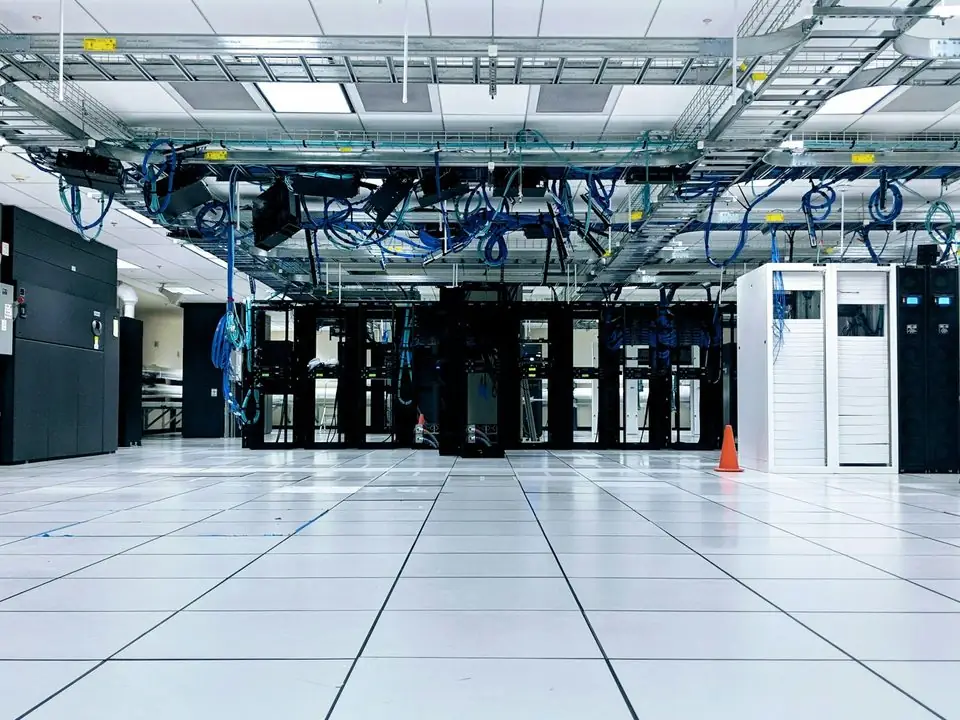
Moving to browser access fixes some long-standing headaches for UAE companies with several sites, but it brings its own questions that should be answered before go-live.
Desktop accounting packages often force branch staff onto remote desktop sessions that drop during busy hours. A web client connects over standard HTTPS without that extra layer.
When each machine runs its own installed copy, a missed update can corrupt data or break a report. With a web ERP there is one version, on the server.
Browser access from anywhere means a stolen password is more dangerous. Multi-factor authentication and session rules become essential, not optional.
Construction sites, desert project locations and delivery vans may have weak mobile signal. Teams need a plan for capturing data when the connection drops.
Staff use personal phones, old tablets and different browsers. Supported devices and a minimum browser version should be defined at the start.
You do not need to be an engineer to choose an ERP, but knowing these six layers helps you ask the right questions of any vendor or partner.
Screens are rendered in HTML and JavaScript. Nothing is stored permanently on the device beyond cached files and the login session.
Business rules, approvals, tax calculations and posting logic run on the server, so every user gets the same result regardless of device.
One database holds transactions for all branches and companies. Backups, replication and point-in-time recovery are handled here.
All traffic should run over HTTPS with current TLS. Multi-factor authentication, password policies and automatic session timeouts protect accounts.
Role-based permissions, company and branch restrictions, and optional IP allow-lists limit who can see payroll, bank details or margins.
The same web server exposes REST APIs so e-commerce, bank, HR and logistics systems can exchange data without manual uploads.
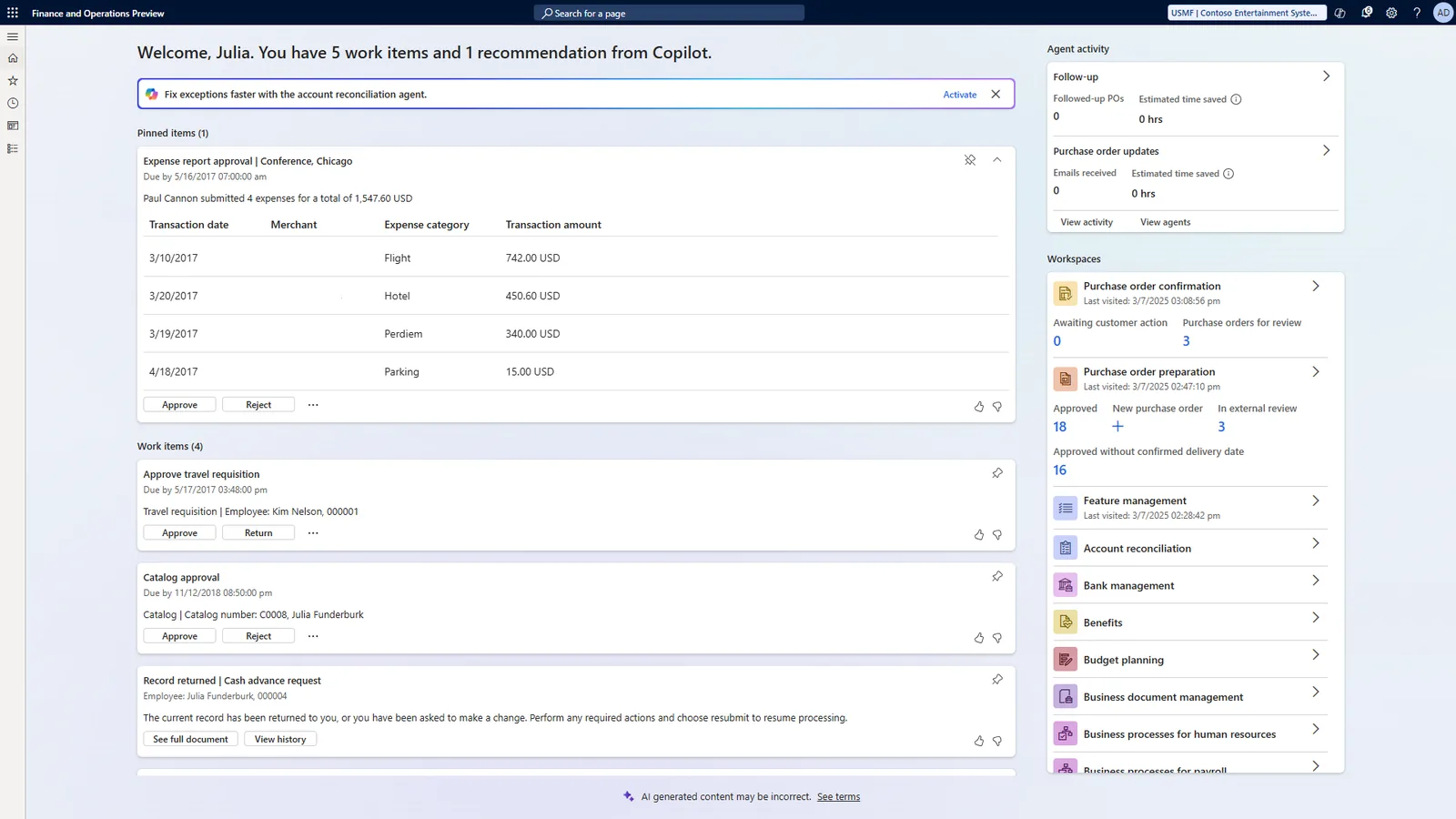
One of the most used features of a web ERP is approving documents away from the desk. Managers clear purchase requests and payments from a phone browser or mobile app between meetings.
Every platform below runs in the browser. They differ in mobile apps, hosting choices and how they handle lost connections. Details change between versions, so we confirm current behavior during discovery.
| Zoho | Odoo | ERPNext | Dynamics 365 Business Central | |
|---|---|---|---|---|
| Browser client | Yes, all apps | Yes, full system | Yes, full system | Yes, full web client |
| Native mobile apps | Yes, per app (Books, CRM, Inventory and others) | Yes, mobile app plus responsive web | Yes, mobile app plus responsive web | Yes, for phone and tablet |
| Hosting options | Zoho cloud only | Odoo Online, Odoo.sh or self-hosted | Frappe Cloud or self-hosted | Microsoft cloud (on-premise editions also exist) |
| Offline capability | Limited; some mobile apps allow drafts offline | Point of Sale can keep selling offline and sync later | Limited; plan for connectivity or custom capture | Generally requires a connection |
| Best fit | Service firms and SMEs wanting zero server management | Retail, trading and manufacturing needing flexible hosting | Cost-conscious firms wanting open source and control | Companies standardized on Microsoft 365 |
For field teams with poor coverage, we often add a lightweight capture form that stores entries on the device and syncs when signal returns.
Typical phases for a mid-sized UAE company. Durations are indicative and depend on scope, data quality and the number of sites.
Durations are typical ranges; your plan is agreed after discovery.
Define roles, MFA policy, supported browsers and devices, and whether any IP restrictions apply.
Set up companies, branches, modules, document templates and approval routes in the web application.
Test performance from warehouses, project sites and branches; decide offline fallbacks where signal is weak.
Role-based sessions on laptops and phones, then cut-over with support on hand for the first close.
Being web based does not change your tax obligations, but it affects how records are stored and shared. Confirm specifics with your tax advisor.
Branch staff issue VAT invoices with the company TRN and required fields from the same templates, so formats stay consistent across all emirates.
Know where your hosting provider stores data and keep audit logs of logins and record changes; regulated sectors may have extra data residency expectations.
Web ERPs exchange structured invoices with an Accredited Service Provider under the PINT AE model. Larger businesses face a 1 January 2027 start and others 1 July 2027; check the latest Ministry of Finance / FTA guidance.
General information, not tax or legal advice. Rules change; confirm current FTA, MOHRE and Ministry of Finance guidance with your advisor.
Companies switching from installed software to a web based ERP usually notice these improvements first.
No more nightly file transfers or end-of-month consolidation of separate databases.
No client installs, no per-PC patches and fewer remote desktop licenses to manage.
Managers act on requests from wherever they are, so orders and payments are not stuck waiting for someone to return to the office.
Central user management makes it simple to remove access the day an employee leaves.
Explore hosting, mobile access and the platforms that run in the browser.
We configure the system for the rules UAE businesses report against, and test it before go-live.
General information, not tax or legal advice. Confirm current requirements with the FTA, MOHRE or your advisor. See all UAE compliance guides.
On-site workshops in Dubai, Abu Dhabi and Sharjah, and remote or on-site delivery across the Northern Emirates and free zones.
Official sources and references
Facts on this page were checked against these sources in October 2026. Rules change, so confirm current requirements before acting.
Still have a question? Our consultants are happy to help.
Ask an ExpertNot exactly. Web based describes how users access the system (through a browser). Cloud describes where it is hosted. Most web ERPs are hosted in the cloud, but you can also run a web ERP such as Odoo or ERPNext on your own server. Our Cloud ERP page covers hosting in detail.
Most web ERP screens need a connection. Odoo Point of Sale can continue selling offline and sync later, and some mobile apps keep drafts. For critical sites we recommend a backup mobile data connection and, where needed, an offline capture form.
It can be, when configured properly: HTTPS everywhere, multi-factor authentication, strict roles, session timeouts and monitored audit logs. Most security incidents we see come from weak passwords and shared accounts rather than the browser itself.
Current versions of Chrome, Edge, Firefox and Safari are generally supported by all the platforms we implement. Phones and tablets work through mobile apps or responsive screens. We publish a supported device list for your users at go-live.
Yes. We migrate masters and balances from desktop packages such as Tally, QuickBooks Desktop and Sage into web ERPs. We do not implement those packages, but we move data out of them. See legacy ERP migration.
Related Solutions
Related Industries
Related ERP Platforms
Book a call with our Dubai team to review access, security and device needs for each of your sites.
Dubai, United Arab Emirates