L
O
A
D
I
N
G


Zoho, Odoo, ERPNext, Dynamics 365 and custom ERP, delivered by one accountable team.

For spare parts wholesalers and counter traders selling OEM, genuine and aftermarket parts to workshops, fleets and resellers.
The best ERP for auto parts trading in the UAE lets a counter salesperson find a part in seconds by OEM number, supplier number, aftermarket equivalent or vehicle fitment. Traders in Dubai, Sharjah and Ajman carry tens of thousands of part numbers, so the system must link superseded numbers, show stock and brand options, and apply workshop-specific credit prices.
An ERP for auto parts trading in the UAE succeeds or fails at the counter. A mechanic calls with a vehicle model and year, or reads out an OEM number from an old part, and your salesperson has seconds to say whether you have it, which brands you can offer, and at what price for that workshop.
Auto parts traders in Dubai, Sharjah and Ajman typically carry tens of thousands of part numbers across Japanese, Korean, European and American makes, plus tyres, batteries and lubricants. Many also serve auto workshops on credit. The same filter may exist as an OEM part, a genuine part from the parts supplier and two aftermarket brands, each with its own number. When OEM numbers are superseded, old and new codes have to point to the same stock.
The right system stores cross-references and supersessions, allows search by part number, vehicle or description, shows stock across branches, and applies the correct price level for a workshop, fleet or walk-in customer. It then prints the invoice in seconds and records the sale against the customer's credit account, whether at a point of sale counter or by phone order.
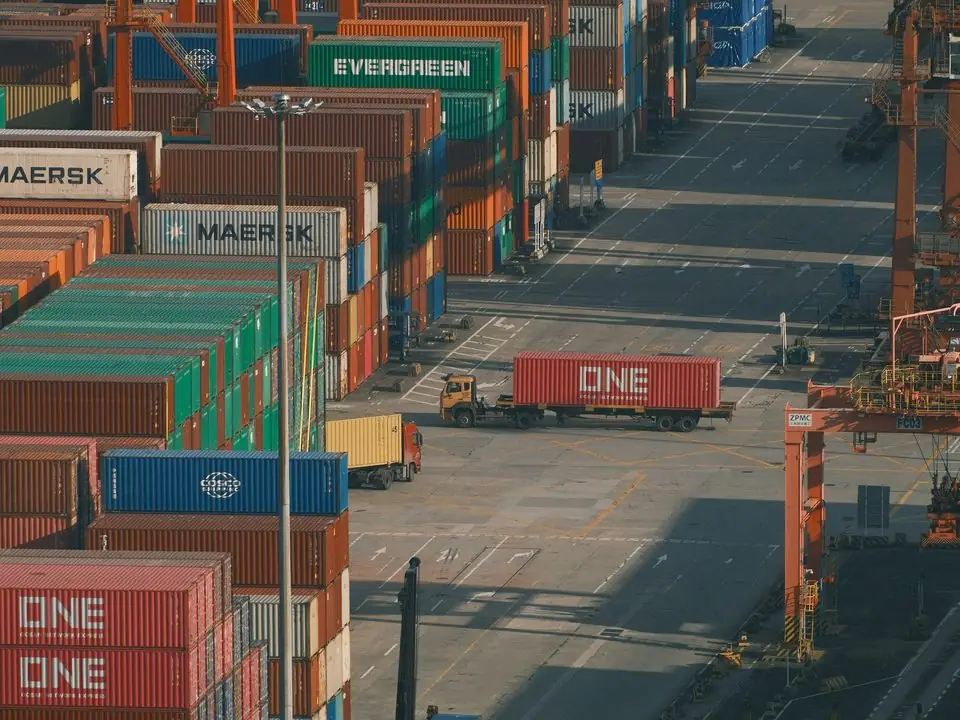
These are the problems owners and branch managers raise most often.
The same part is created three times under different numbers, so stock looks low on one code and excess on another. Purchasing reorders parts that are already on the shelf.
Manufacturers replace part numbers over time. If old and new numbers are not linked, a salesperson says out of stock while the replacement sits in the rack.
Searching across spreadsheets and calling the warehouse loses the sale. Workshops buy from whoever answers first.
Workshops buy on credit, return wrong parts frequently and dispute statements. Without clean return reasons, credit notes pile up and margins blur.
Parts for older vehicle generations stop moving. Without movement analysis, cash stays tied up in shelves of slow parts.
Stock sits in one branch while another branch turns customers away. Transfers are arranged by phone and rarely recorded on time.
We configure the ERP so the counter sale and the wholesale order follow the same item and pricing logic.
One shared database: every step updates stock, finance and reports in real time.
Search speed and data quality come first. Everything else builds on a clean part master.
Each item carries OEM, supplier and aftermarket numbers so any of them finds the same stock.
Old part numbers link to their replacements; on most platforms this needs light configuration or a small customization.
Make, model, year range and engine stored as attributes so the counter can search by vehicle.
Fast counter screen with barcode scanning, cash and card payments, and credit sales to account customers.
Rack and bin locations per branch with visible stock across all branches and transfer orders.
Separate pricing for workshops, fleets, resellers and walk-in customers, with discount limits per salesperson.
Returns tied to the original invoice with reason codes such as wrong part, damaged or warranty.
Reorder points by branch, supplier lead times and analysis of slow and dead stock.
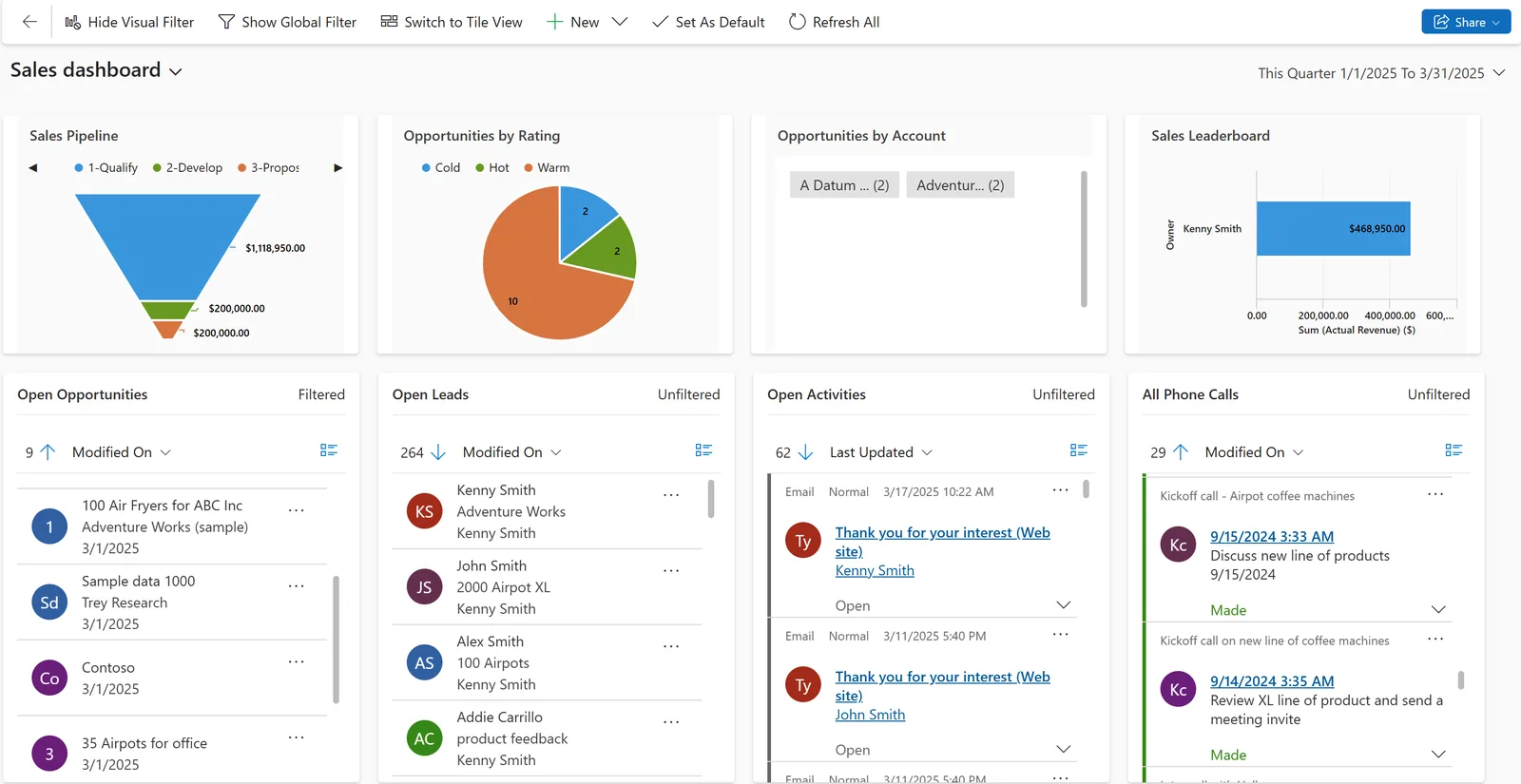
Branch managers see counter performance, stock gaps and customer credit together.
We implement Zoho, Odoo, ERPNext, Dynamics 365 and custom ERP. This is our usual starting recommendation by profile.
| Company profile | Usually fits | Why |
|---|---|---|
| Single shop with counter sales and a few workshop accounts | Zoho Books with Zoho Inventory or Odoo POS | Fast invoicing, simple credit control and a manageable part master. |
| Wholesaler with several branches and large catalogs | Odoo | Multi-warehouse stock, POS, barcode and product attributes for fitment in one database. |
| Trader with in-house fitting or workshop services | Odoo or ERPNext | Parts sales plus service jobs that consume parts and labor. |
| Regional distributor with GCC entities | Microsoft Dynamics 365 Business Central | Item substitution features, multi-company finance and controlled approvals. |
| Trader needing an online catalog with fitment lookup | Custom ERP or platform extension | When buyers search your catalog by vehicle on a portal or app. |
Loading cross-reference data is usually the largest task, whichever platform you choose.
The ERP is set up to support these rules. Confirm specific tax treatment with your advisor.
Simplified and full tax invoices printed from the counter with TRN, and VAT on credit sales, returns and credit notes recorded correctly.
Products such as tyres are subject to UAE conformity rules, including manufacture-date requirements. The ERP can record manufacture dates or batches so older stock is flagged; confirm the current rules with the Ministry of Industry and Advanced Technology.
Imported parts usually carry customs duty, commonly 5% of CIF value. Recording duty and freight as landed cost keeps item cost accurate.
Invoices to workshops and fleets will fall under the PINT AE e-invoicing model from 2027 depending on your revenue. Check the latest Ministry of Finance and FTA guidance.
General information, not tax or legal advice. Rules change; confirm current FTA, MOHRE and Ministry of Finance guidance with your advisor.
Benefits we commonly see once the part master is clean and the counter uses the ERP for every sale.
Any part number or vehicle search finds stock and price in one step.
Superseded and alternate numbers point to available stock instead of a false out-of-stock.
Reorder rules and dead-stock reports stop buying parts that will not sell.
Returns with reasons and credit limits reduce statement disputes.
Typical ranges. The size and quality of your part master drives most of the effort.
Durations are typical ranges; your plan is agreed after discovery.
Review counter process, price levels, branches and current part data.
Merge duplicates, load cross-references, supersessions and fitment attributes.
POS, branches, bins, price levels, credit limits and VAT setup.
Train counter staff on search and invoicing, then count each branch at cutover.
On-call support through the first weeks of live counter trading.
Related automotive, retail and inventory pages.
We configure the system for the rules UAE businesses report against, and test it before go-live.
General information, not tax or legal advice. Confirm current requirements with the FTA, MOHRE or your advisor. See all UAE compliance guides.
On-site workshops in Dubai, Abu Dhabi and Sharjah, and remote or on-site delivery across the Northern Emirates and free zones.
Official sources and references
Facts on this page were checked against these sources in October 2026. Rules change, so confirm current requirements before acting.
Still have a question? Our consultants are happy to help.
Ask an ExpertYes. We store the OEM number, supplier numbers and aftermarket equivalents against one item, or link equivalent items, so a search on any number shows the same stock.
Old numbers are linked to their replacement so a search on the old code leads to the new item. Depending on the platform this uses standard features or a small customization, which we scope during discovery.
Yes, if fitment data is loaded. Make, model, year range and engine are stored as attributes, and the counter can filter parts by vehicle. The quality of results depends on the fitment data you have.
Yes. Price lists by customer type are standard on all platforms we implement, with limits on how much discount each salesperson can give.
Yes. Each branch is a warehouse with its own bins, and staff can see stock in other branches and create transfer orders when a customer needs a part held elsewhere.
A single-branch trader with clean data can go live in roughly 6-10 weeks. Large catalogs with messy cross-references take longer because data cleanup is the critical path.
Related Solutions
Related Industries
Related ERP Platforms
Send us an export of your current part list and we will show you how it would look with cross-references and fitment search.
Dubai, United Arab Emirates