L
O
A
D
I
N
G


Zoho, Odoo, ERPNext, Dynamics 365 and custom ERP, delivered by one accountable team.

Short, role-based sessions that teach accountants, sales reps, storekeepers and admins the exact Zoho screens they use every day, with your own VAT settings and data.
Zoho training in the UAE works best as short, role-based sessions run in your own Zoho organisation or a sandbox copy, rather than one generic demo on go-live day. Accountants learn VAT-compliant invoicing and bank reconciliation, sales staff learn pipelines and quote conversion, and administrators learn configuration. UAE ERP Experts offers separate tracks, Arabic explanations where needed, and recorded sessions your team keeps.
Our Zoho Training UAE programs are designed for companies that already use Zoho, or are about to go live, and want staff to work confidently without calling IT for every second invoice. We train by role, not by product menu, so an accounts assistant learns how to raise a VAT-compliant tax invoice and reconcile a bank feed, while a sales coordinator learns how to move a deal through the pipeline and convert a quote.
Most training problems we see in Dubai, Sharjah and Abu Dhabi offices come from a single generic demo given on go-live day. People forget it within a week, build workarounds in Excel and lose trust in the system. A better pattern is a few short sessions per role, run in your own Zoho organization or a sandbox copy of it, followed by practice tasks and a quick check that people can complete them alone.
We cover the full Zoho stack that UAE businesses typically run: Zoho Books, Zoho CRM, Zoho Inventory, Zoho People and Payroll, Zoho Desk, Zoho Projects and Zoho Creator apps. Sessions run on-site from our Dubai base, at your premises anywhere in the seven emirates, or remotely over video for distributed teams.

The products we configure, integrate and support on projects like this one.


Product names and logos are trademarks of their respective owners and are shown only to identify the software we implement.
These are the patterns that usually show a training gap rather than a system problem.
Staff pick standard-rated, zero-rated or exempt codes by guesswork, and the VAT return needs manual fixing every quarter. Finance users need to understand why each tax code exists, not only where to click.
Sales reps skip mandatory fields, create duplicate accounts and keep their real pipeline in a notebook. Managers then stop using CRM reports because the numbers do not match reality.
Warehouse staff receive goods without a purchase receive, or ship without a package, so Zoho Inventory and the physical shelf disagree. Small habits at the counter cause large month-end adjustments.
Many companies depend on a single person who set up workflows, roles and custom fields. When that person goes on leave or resigns, nobody can change a simple approval rule.
Without a written process, each new hire copies the shortcuts of whoever sits next to them. Errors spread quietly and audit trails become hard to follow.
A practical sequence that moves from understanding your roles to confirming that people can work alone.
We list every role that touches Zoho, what each one does weekly, and where errors currently appear. This tells us who needs basic navigation and who needs admin depth.
Where possible we prepare a sandbox or test organization with your real settings, so trainees can practice raising invoices, bills or deals without affecting live data.
Sessions of 60 to 120 minutes per topic keep attention high. Each one ends with hands-on tasks drawn from your normal day, such as posting a credit note or receiving a partial shipment.
Your internal champions learn to manage users and profiles, edit layouts, adjust workflow rules and build simple reports, so small changes no longer need an outside consultant.
For a week or two after sessions, we answer questions as people work and note recurring mistakes. Those notes feed a short refresher session.
We confirm each person can complete their core tasks unaided and hand over guides, recordings and a list of who to ask internally.
Deliverables are agreed up front so you know exactly what your team receives.
Ranges depend on the number of apps, roles and locations. A single-app team is often trained in two to three weeks; a full Zoho One rollout takes longer.
Durations are typical ranges; your plan is agreed after discovery.
Interviews with department heads, review of current Zoho setup and identification of common user errors.
Guides, exercises and sandbox data are prepared for each role, using your own forms and terminology.
Role-based sessions run on-site or remote, scheduled around busy periods such as VAT filing or month-end.
Deeper sessions for internal champions on configuration, permissions, reports and basic automation.
Floor support while staff work live, followed by a short refresher on the issues that came up most often.
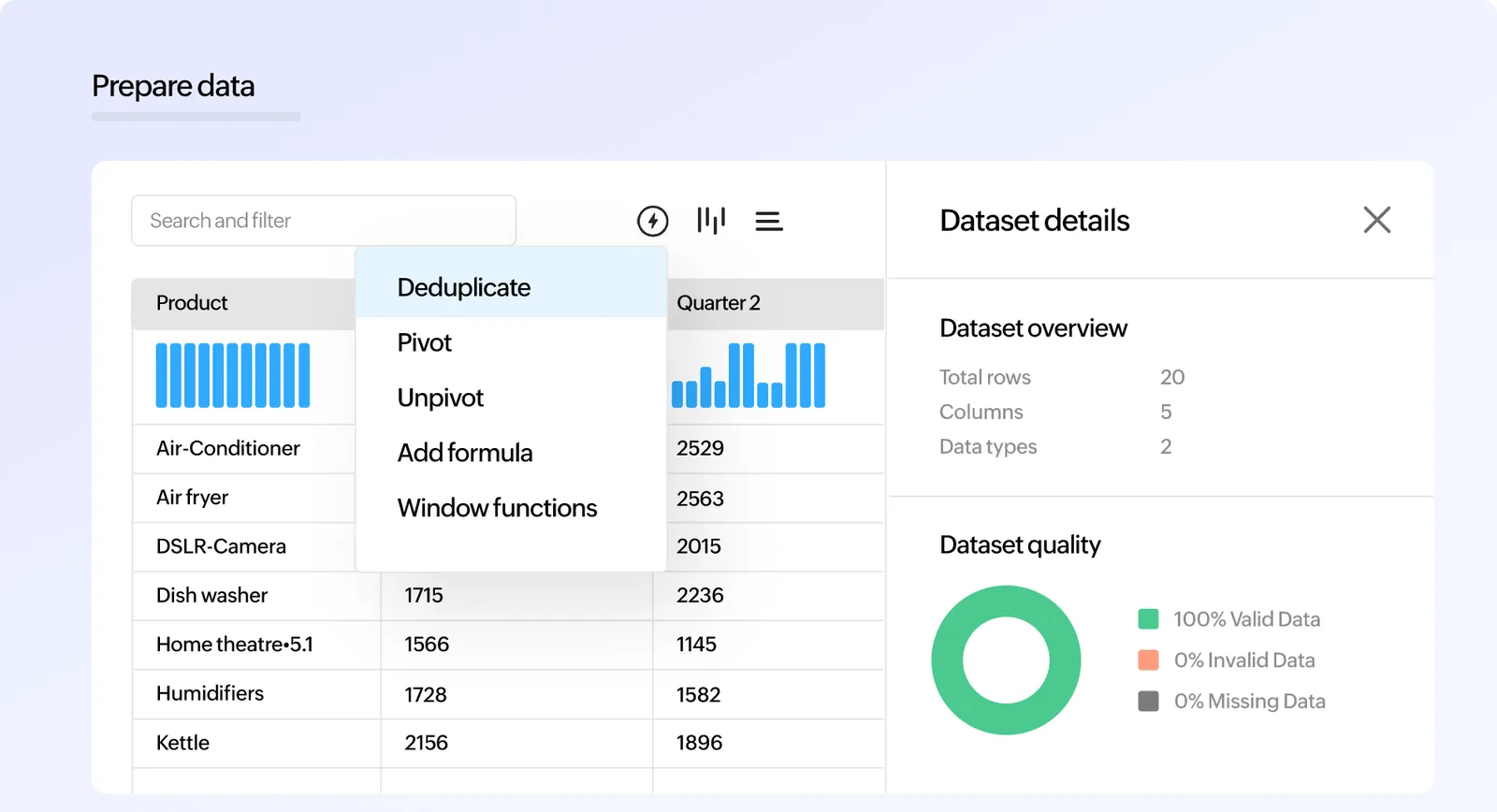
We help admins set up a simple adoption view in Zoho Analytics or native Zoho reports, so you can see whether people actually use the system the way they were taught.
Results vary by company, but these are the improvements well-trained teams tend to report.
When finance users apply tax codes consistently, the quarterly return in EmaraTax needs fewer manual corrections and reviews go faster.
Users who understand the logic behind a screen stop raising tickets for routine tasks, freeing your admin for real improvements.
Consistent data entry in CRM and Inventory means pipeline and stock reports reflect reality and get used in weekly meetings.
New joiners get a guide and a recording on day one, so they become productive without shadowing a colleague for weeks.
Training works best alongside a sound setup. Explore related services.
We configure the system for the rules UAE businesses report against, and test it before go-live.
General information, not tax or legal advice. Confirm current requirements with the FTA, MOHRE or your advisor. See all UAE compliance guides.
On-site workshops in Dubai, Abu Dhabi and Sharjah, and remote or on-site delivery across the Northern Emirates and free zones.
Official sources and references
Facts on this page were checked against these sources in October 2026. Rules change, so confirm current requirements before acting.
Still have a question? Our consultants are happy to help.
Ask an ExpertWe prefer a sandbox or test organization that mirrors your live settings, so people practice safely. Where a sandbox is not available on your plan, we use carefully controlled test records in live and remove them afterwards.
Yes. Sessions can include Arabic explanations, and guides can be prepared with Arabic labels for key screens. Zoho itself supports Arabic in several apps, which helps with adoption.
Yes. We first review your configuration so the training matches how your system really works. If we find setup issues that will confuse users, we flag them before sessions start.
Hands-on sessions work best with around six to twelve people so everyone can practice. Larger awareness sessions are possible, followed by smaller practical groups.
Yes. Admin workshops cover users and profiles, roles, layouts, workflow rules, email templates, reports and basic Deluge concepts, so your champion can handle routine changes.
No. Many clients ask for training a year or more after go-live, when staff turnover or new modules have created gaps. A refresher program often fixes problems that look like software issues.
Related Solutions
Related Industries
Related ERP Platforms
Tell us which Zoho apps you use and which roles need help, and we will propose a session plan within a few working days.
Dubai, United Arab Emirates