L
O
A
D
I
N
G


Zoho, Odoo, ERPNext, Dynamics 365 and custom ERP, delivered by one accountable team.

We plan and roll out Zoho WorkDrive for UAE companies so files live in clear team folders with the right access, not in personal laptops and long email threads.
Zoho WorkDrive is Zoho's cloud file storage and collaboration app, built around team folders owned by the company rather than individuals. UAE companies use it so finance, sales, projects and HR each work in controlled spaces with set roles for viewing, editing and sharing. Files keep version history, and external links for auditors can carry passwords, download limits and expiry dates.
Zoho WorkDrive UAE rollouts tend to start after something goes wrong: a departing employee takes the only copy of a client folder, two versions of a tender document get submitted, or an auditor asks for last year's signed contracts and nobody knows where they are. WorkDrive is Zoho's cloud file storage and collaboration app, built around team folders that belong to the company rather than to individuals.
Each team folder has its own members and roles, so finance, sales, projects and HR can work in their own spaces with clear rules on who can view, edit or share. Files keep version history, deleted items go to a recoverable trash, and admins can see activity logs. External partners, such as consultants, auditors or subcontractors, can receive controlled links with expiry dates and passwords.
WorkDrive also plugs into the rest of Zoho. Attachments from Zoho CRM and project files from Zoho Projects can be stored in WorkDrive folders, and the Zoho Writer, Sheet and Show editors open documents directly in the browser. For companies already on Zoho Workplace, WorkDrive is often included in the plan but rarely set up with care.

The products we configure, integrate and support on projects like this one.


Product names and logos are trademarks of their respective owners and are shown only to identify the software we implement.
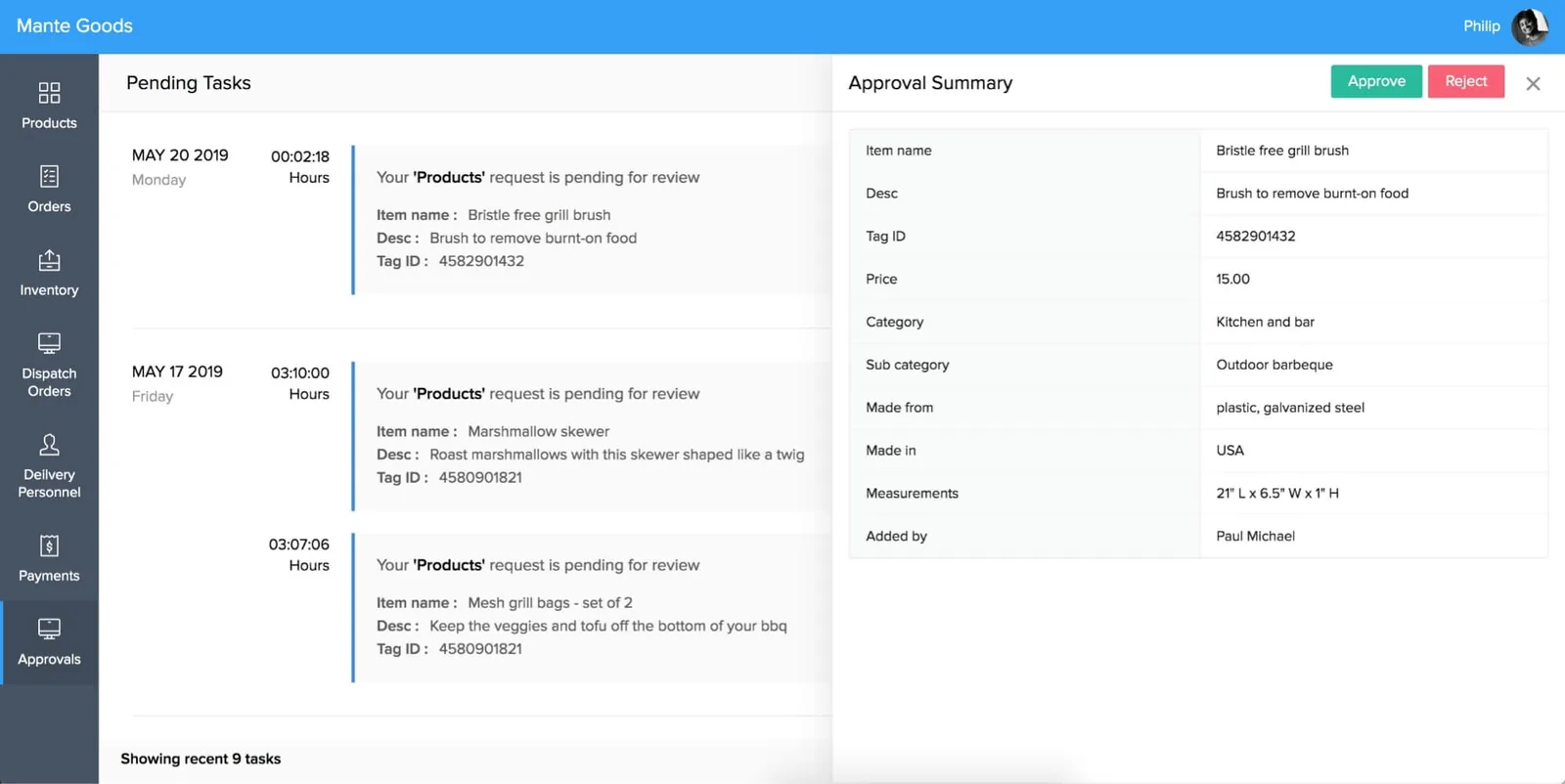
IT and operations leads get an overview of storage, sharing activity and access, so file risks are visible before they become incidents.
We design the folder structure around this life cycle, so a file is easy to find at every stage and is not lost when people change roles.
One shared database: every step updates stock, finance and reports in real time.
These are the parts of WorkDrive that decide whether a rollout succeeds.
Shared spaces per department, project or client, with a consistent naming scheme agreed before any files are moved.
Viewer, commenter, editor, organizer and admin roles set per folder, so sensitive HR or finance files stay restricted.
Earlier versions of each file kept and restorable, which avoids the final-final-v3 file names common on shared drives.
Links for clients, auditors or subcontractors with password protection, download limits and expiry dates.
Desktop app to sync folders for offline work and mobile apps for site engineers and sales staff on the road.
Zoho Writer, Sheet and Show open documents in the browser, and Microsoft Office files can be stored and previewed alongside them.
Search across file names and content, including text in many scanned documents, to find a contract or drawing quickly.
Activity logs, storage policies and the ability to transfer a leaver's files to a manager before the account is closed.
WorkDrive works best as the file layer under your other Zoho apps.
WorkDrive helps you keep records organized and retrievable. It does not decide retention periods for you; confirm those with your tax advisor and legal team.
UAE tax rules require businesses to keep invoices, contracts and supporting records for several years. We create a records structure and restricted archive folders so these files remain complete and accessible for the periods your tax advisor confirms.
HR files, passports and Emirates ID copies are personal data under the UAE Personal Data Protection Law. We limit access to named HR roles and avoid storing these in general team folders.
Zoho offers regional data centres. We confirm where your WorkDrive data is hosted and record it, which helps when clients or regulators ask.
Entities in DIFC or ADGM may have extra data handling rules. We adapt access, sharing and retention settings to the policy your compliance team sets.
General information, not tax or legal advice. Rules change; confirm current FTA, MOHRE and Ministry of Finance guidance with your advisor.
The migration is the easy part. Agreeing structure and ownership takes the real effort.
See how WorkDrive fits with the rest of your Zoho stack and document processes.
We configure the system for the rules UAE businesses report against, and test it before go-live.
General information, not tax or legal advice. Confirm current requirements with the FTA, MOHRE or your advisor. See all UAE compliance guides.
On-site workshops in Dubai, Abu Dhabi and Sharjah, and remote or on-site delivery across the Northern Emirates and free zones.
Official sources and references
Facts on this page were checked against these sources in October 2026. Rules change, so confirm current requirements before acting.
Still have a question? Our consultants are happy to help.
Ask an ExpertWorkDrive is included in Zoho Workplace plans and in Zoho One, and it is also sold on its own. Storage limits differ by plan, so we check your requirement before you upgrade.
Yes. Zoho provides migration tools for some cloud services, and for local servers we use the desktop sync app or a structured upload. We map folders and permissions before moving anything.
Yes, through external share links that can carry passwords, download restrictions and expiry dates. You can see when links were opened.
Because files sit in team folders, they stay with the company. For files in a personal space, admins can transfer ownership to a manager before closing the account.
WorkDrive stores and previews many file types and works well for organizing project files. Specialist CAD editing still happens in your design software, with WorkDrive holding the controlled copies.
For a company of a few dozen users, planning, migration and training often take two to four weeks. Larger file volumes or complex permission rules extend that.
Tell us how your business runs today and where it gets stuck. We'll recommend the right platform, outline the implementation approach and give you a realistic timeline, with no obligation.
Dubai, United Arab Emirates