L
O
A
D
I
N
G


Zoho, Odoo, ERPNext, Dynamics 365 and custom ERP, delivered by one accountable team.

Take orders at the table, send them to the right kitchen station, settle split bills, and see the food cost of every dish because the POS deducts ingredients, not just menu items.
Restaurant POS software in the UAE should manage floor plans and table status, route orders with modifiers to the right kitchen station, split bills across tenders, and pull in delivery-app orders. Connected to an ERP with recipes, each dish sold deducts its ingredients from stock, so theoretical consumption can be compared with counts to expose waste, over-portioning and theft.
Restaurant POS software in the UAE has to handle much more than a sale. A busy restaurant in JBR or Al Wahda serves dine-in tables, takeaway and three or four delivery platforms at once. Orders carry modifiers such as no onion, extra shot or well done, they must reach the grill, the cold kitchen and the bar separately, and the table may split the bill four ways with two cards and cash.
Behind the till, owners worry about food cost. A dish sold is a recipe consumed: grams of protein, sauce, garnish and packaging. When the POS is connected to an ERP with recipes, every sale deducts ingredients from the kitchen store, so theoretical consumption can be compared with actual stock counts. That comparison is where waste, over-portioning and theft show up.
We set up restaurant POS on Odoo, ERPNext with F&B extensions, Microsoft Dynamics 365 with partner POS apps, Zoho, or a custom build. For the full back office of a group with central kitchens and several brands, see our ERP for restaurants page.
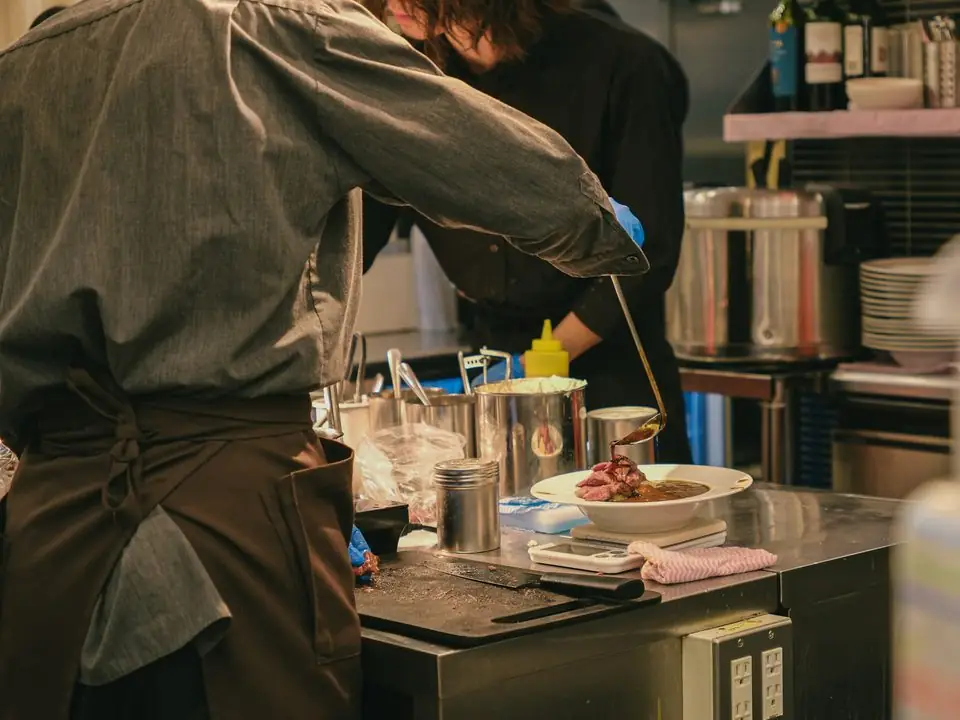
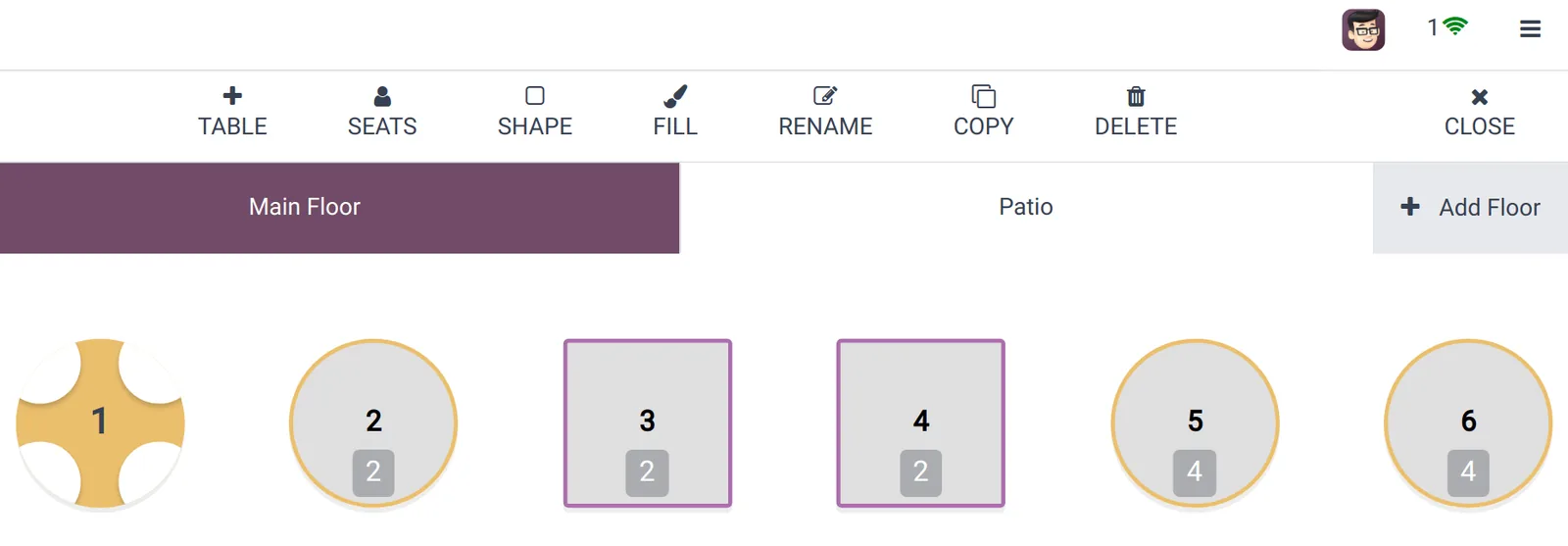
Managers watch covers and table turns during service; owners review food cost and channel mix after it.
The same flow covers a dine-in table and a delivery order, with different starting points.
One shared database: every step updates stock, finance and reports in real time.
We focus on features that speed up service or protect margin; everything else is optional.
Visual table layout showing occupied, ordered and billed tables. Transfer or merge tables when a group moves.
Items route to the right printer or kitchen display by station, with course holds so mains are not cooked before starters are cleared.
Required choices such as doneness or size, optional add-ons with prices, and meal combos that deduct each component from stock.
Each menu item links to a recipe with yields and wastage. Sales drive ingredient consumption and theoretical food cost per dish.
Orders from delivery platforms flow into the POS through integrations or middleware, so the kitchen works from one queue.
Voids after the kitchen has started, staff meals and complimentary items need a reason and approval, and are reported per shift.
F&B depth varies a lot between platforms, so this table matters more here than for most modules.
| Zoho | Odoo | ERPNext | Dynamics 365 | |
|---|---|---|---|---|
| Restaurant mode | No dedicated restaurant mode in core apps; usually custom or third-party | Native restaurant features: floors, tables, split bills, kitchen printing | Restaurant features come from community apps rather than core | Partner F&B POS apps for Business Central; Commerce for larger groups |
| Kitchen display | Custom or third-party | Kitchen display available in recent versions | Via community or custom apps | Through the chosen partner POS |
| Recipes and BOM | Composite items in Zoho Inventory | Bills of materials can drive ingredient deduction | BOMs and stock entries | Assembly BOMs or partner recipe features |
| Delivery platforms | Integration via middleware | Connectors or middleware for aggregators | Custom API integration | Partner integrations |
| Best fit | Small cafes needing simple sales capture | Restaurants wanting POS and back office together | Groups with technical teams and custom needs | Larger multi-brand F&B groups |
Some features named here depend on version, edition or third-party apps. We confirm availability for your setup.
Restaurants depend on more outside services than most businesses.
Restaurant bills in the UAE can carry several lines beyond VAT. Confirm what applies to your venue with your advisor and the local authority.
VAT at 5% applies to restaurant supplies. The POS shows it on the receipt with your TRN, and the session posts output VAT to the right return boxes.
Some venues, particularly in hotels and certain emirates, add a service charge or municipality fee. These are set up as separate bill lines with the correct tax treatment, which your advisor should confirm.
Aggregator statements deduct commission and fees from your payout. Recording gross sales and the commission as a separate expense with its tax invoice keeps VAT and margin accurate.
Municipality food safety rules expect traceability of ingredients. Batch and expiry tracking on received goods supports this record keeping.
General information, not tax or legal advice. Rules change; confirm current FTA, MOHRE and Ministry of Finance guidance with your advisor.
More on running food businesses on ERP.
We configure the system for the rules UAE businesses report against, and test it before go-live.
General information, not tax or legal advice. Confirm current requirements with the FTA, MOHRE or your advisor. See all UAE compliance guides.
On-site workshops in Dubai, Abu Dhabi and Sharjah, and remote or on-site delivery across the Northern Emirates and free zones.
Official sources and references
Facts on this page were checked against these sources in October 2026. Rules change, so confirm current requirements before acting.
Still have a question? Our consultants are happy to help.
Ask an ExpertYes, with an integration or middleware that pulls orders from each platform into the POS. Without it, staff re-key orders on a separate tablet, which is where mistakes and missed orders happen.
Each dish is linked to a recipe listing ingredients and quantities. When the dish is sold, those quantities are deducted from stock. Comparing that with weekly counts shows variance by ingredient.
Yes. Bills can be split by item, by seat or into equal parts, and each part can be paid with a different tender.
Yes. Each virtual brand can have its own menu and delivery accounts while sharing one kitchen inventory, so food cost is tracked by brand and by kitchen.
Typically a terminal or tablet per station, receipt and kitchen printers or kitchen displays, a cash drawer and card terminals. We confirm compatible hardware before purchase.
A single outlet with a finished menu and recipes can often go live in 3-6 weeks. Recipe building is usually the slowest part, so we start it early with your chef.
Related Solutions
Related Industries
Related ERP Platforms
Send us your menu and outlet list and we will show how a connected restaurant POS would work for you.
Dubai, United Arab Emirates