L
O
A
D
I
N
G


Zoho, Odoo, ERPNext, Dynamics 365 and custom ERP, delivered by one accountable team.

When configuration is not enough, we build proper Frappe apps: new modules, portals and automations that sit beside ERPNext and survive upgrades.
ERPNext development in the UAE means building custom Frappe apps, separate from core ERPNext files, for processes the standard system does not cover, such as equipment rental contracts, labour camp management, tenancy and Ejari tracking or tender management. New doctypes, server logic, scheduled jobs, portals and REST endpoints are installed with bench, kept under Git and tested against each new ERPNext version.
ERPNext runs on the Frappe Framework, a full-stack Python and JavaScript framework with its own data model, permission system, REST API and job queue. That means ERPNext Development UAE companies need can go well beyond adding fields. We build complete modules for processes standard ERPNext does not cover: equipment rental contracts, labor camp management, tenancy and Ejari tracking, tender management, or a dispatch board for a last-mile fleet.
Everything we build lives in a separate custom app installed with bench, the Frappe command-line tool. Core ERPNext files are never edited. New document types, server-side logic, scheduled jobs, web portals and REST endpoints all sit in your app, under Git version control, with automated tests where the logic is critical. When ERPNext releases a new version, your app is tested against it and moves forward.
Development is the right tool when the requirement is a genuinely new process or object. For smaller changes to existing forms, print formats and workflows, ERPNext customization is usually faster and cheaper. If you are unsure which applies, we classify each requirement before quoting.

The products we configure, integrate and support on projects like this one.
 ERPNext
 Frappe HR
 Frappe Framework
 Frappe CRM
Product names and logos are trademarks of their respective owners and are shown only to identify the software we implement.
A lot of ERPNext development work starts with repairing earlier attempts.
Hundreds of lines of business logic were written in Server Script records inside the database. They are hard to test, review or version, and fail silently.
A developer edited ERPNext's own Python files. Upgrades either wipe the change or are avoided entirely, leaving the site on an old version.
Code goes straight to production. A bad deploy stops invoicing on a busy day.
Validation hooks run large queries on every save, so posting a sales invoice takes seconds instead of milliseconds.
A separate web app copies data from ERPNext overnight, so customers see yesterday's stock and order status.
We follow a standard software process adapted to Frappe.
We write a short functional and technical spec: new doctypes, fields, permissions, states, hooks, reports and API calls, with example data.
Doctypes are created in a development site so users can click through forms and lists early, before logic is written.
Logic, validations, scheduled jobs and integrations are built in short cycles, with each cycle demonstrated on staging.
Unit tests cover calculations and posting logic. Users run acceptance tests with real UAE scenarios such as VAT on mixed supplies or multi-currency receipts.
The app is deployed to production through bench, documented, and the repository is handed to your company.
These are our standard deliverables, regardless of size.
These ranges are for a single new module. Larger programs are split into several releases.
Durations are typical ranges; your plan is agreed after discovery.
Workshops, sample documents and a written spec with acceptance criteria.
Doctypes and forms clickable on a development site for early feedback.
Logic, reports, portal pages and integrations in short sprints.
Unit tests, user acceptance testing and fixes on staging.
Production deployment, monitoring and quick fixes after go-live.
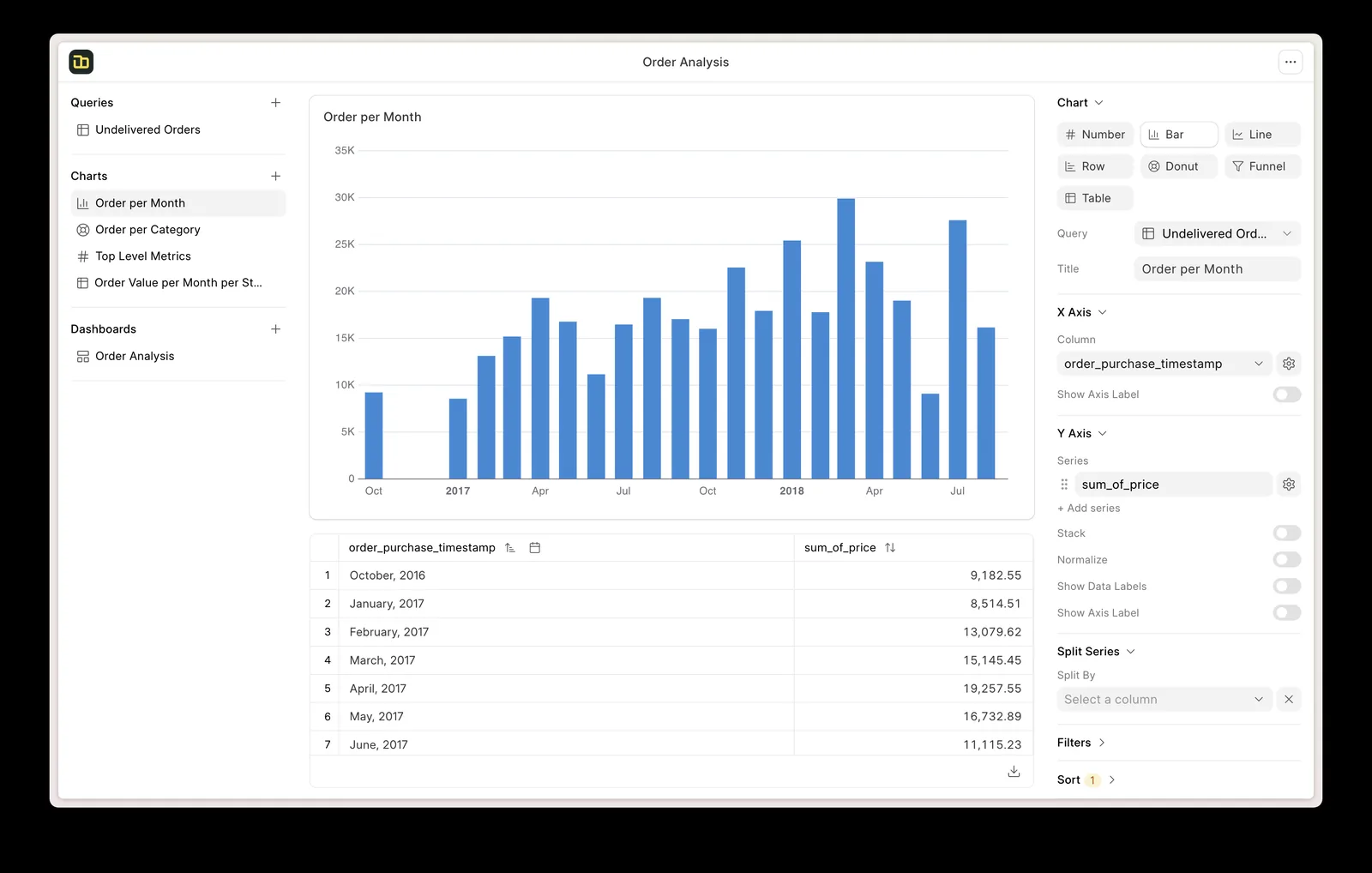
A common development request from UAE contractors is a project control module that links ERPNext projects to subcontracts, retention and variation orders.
What good development practice gives you over time.
Because nothing touches core, your new modules move with ERPNext rather than holding it back.
Portals and modules read live ERPNext data, so there are no overnight copies to reconcile.
Tests and documentation make future changes cheaper and safer, whoever makes them.
The code is yours, in your repository, with no lock-in to us.
Explore related ERPNext services and use cases.
We configure the system for the rules UAE businesses report against, and test it before go-live.
General information, not tax or legal advice. Confirm current requirements with the FTA, MOHRE or your advisor. See all UAE compliance guides.
On-site workshops in Dubai, Abu Dhabi and Sharjah, and remote or on-site delivery across the Northern Emirates and free zones.
Official sources and references
Facts on this page were checked against these sources in October 2026. Rules change, so confirm current requirements before acting.
Still have a question? Our consultants are happy to help.
Ask an ExpertServer-side logic is written in Python and the browser side in JavaScript, on the Frappe Framework. Reports can use Python, SQL or Jinja templates, and data is stored in MariaDB.
Not if it is built correctly. We place all code in a separate app, avoid overriding core methods where hooks exist, and test against new versions before you upgrade.
Yes. Frappe includes a web layer with login, so customers can see orders, invoices and statements, and suppliers can submit quotations, without a separate website.
ERPNext works in mobile browsers already. For field teams we can build a progressive web app or connect a native app through the REST API, depending on offline needs.
Yes. We first review the existing code for upgrade risks, missing tests and logic stored in server scripts, then agree which parts to keep, refactor or move into a proper custom app. Work continues from there under version control, with your team kept informed at each release.
Your company does. The repository is created under your account or transferred to it, and ownership is stated in our agreement.
Related Solutions
Related Industries
Related ERP Platforms
Describe it to us and we will tell you whether it needs development or configuration, and how we would build it.
Dubai, United Arab Emirates