L
O
A
D
I
N
G


Zoho, Odoo, ERPNext, Dynamics 365 and custom ERP, delivered by one accountable team.

Not every warehouse needs a separate WMS, and not every ERP can run a busy 3PL. We help UAE operators work out which setup fits and then connect it to the books.
WMS software in the UAE is first an architecture choice: run the warehouse inside the ERP, or use a dedicated warehouse management system that sends confirmed movements back to the ERP. Distributors storing their own goods at one or two sites are usually served by Odoo, Business Central or ERPNext warehousing, while multi-client 3PLs in JAFZA or KEZAD often need dedicated WMS logic.
Most searches for WMS software UAE start with a feature list: bins, waves, scanning, labels. Those matter, but the bigger decision comes first. Should the warehouse run inside your ERP, or should a dedicated warehouse management system run the floor and pass confirmed movements back to the ERP for accounting?
For a distributor with one or two sites and a few hundred orders a day, ERP warehouse features in Odoo, Business Central or ERPNext are often enough, and keeping everything in one database avoids sync problems. For a third-party logistics provider in JAFZA or KEZAD storing goods for dozens of clients, the needs change: per-client stock ownership, client portals, storage and handling charges, and service-level reporting. That is where a dedicated WMS, or a heavily configured ERP, earns its place.
We implement Zoho, Odoo, ERPNext, Dynamics 365 and custom ERP. Where a dedicated WMS is the better choice, we say so and handle the ERP side and the integration. For floor-level process design, see warehouse management software; for 3PL operations more broadly, see ERP for 3PL companies.

The products we configure, integrate and support on projects like this one.

 Odoo Inventory
 ERPNext
Product names and logos are trademarks of their respective owners and are shown only to identify the software we implement.
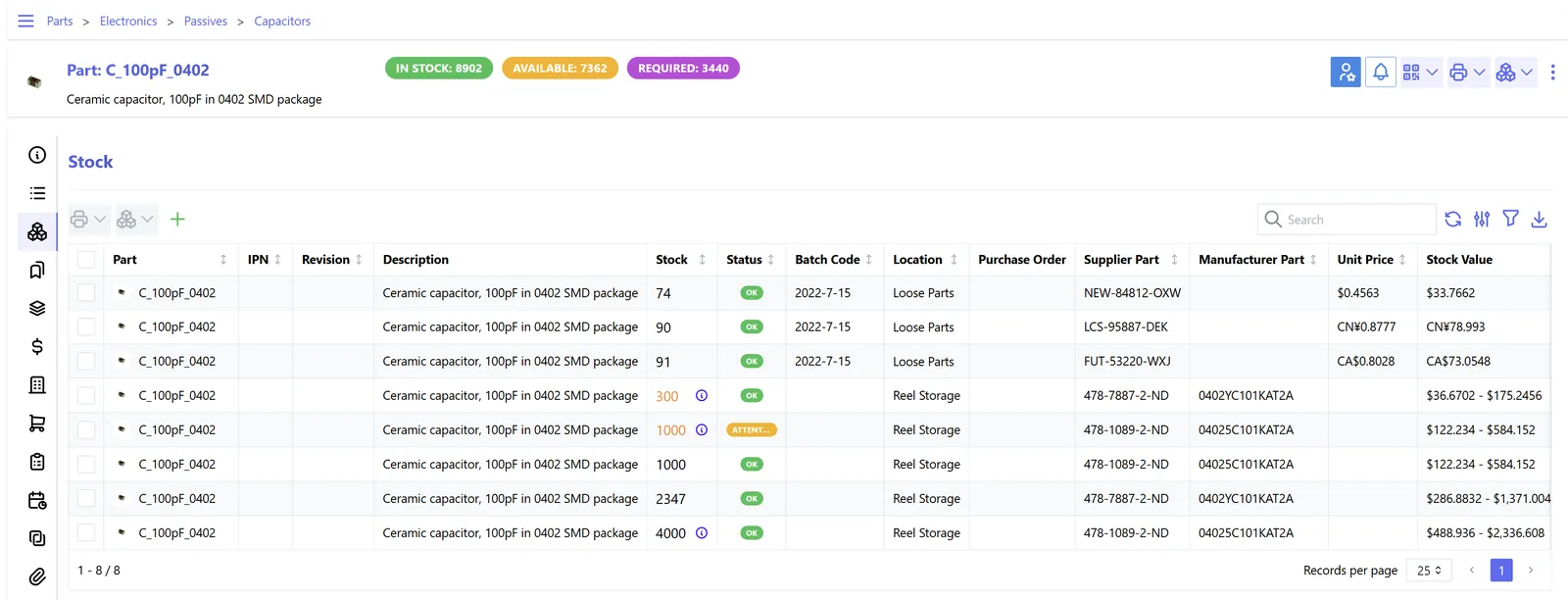
Whether native or dedicated, operations managers want a single screen for throughput and service levels. For 3PLs, that view is split by client.
When the WMS is separate, a clear handoff keeps both systems honest. The ERP owns orders and money; the WMS owns physical movements.
One shared database: every step updates stock, finance and reports in real time.
We score each of these with clients before anyone looks at a demo.
If you store goods owned by other companies, you need per-client stock, client-specific rules and separate reporting for each owner.
3PLs charge for pallet days, inbound handling, picks, value-added services and more. The system must capture these events and turn them into invoices.
High daily order counts with same-day cut-offs push toward stronger wave planning, task interleaving and labor management.
Each client may send orders by API, EDI or spreadsheet. A dedicated WMS often handles many inbound channels more easily.
Conveyors, sorters, voice picking or RFID gates need a system that can drive or receive data from that equipment.
A separate WMS adds licenses, integration build and ongoing support. If ERP warehousing covers the need, one system is simpler to own.
This shows where each platform's own warehouse features usually stop and where a dedicated WMS or custom work tends to come in.
| Zoho | Odoo | ERPNext | Dynamics 365 | |
|---|---|---|---|---|
| Native warehouse depth | Basic bins and pick lists in Zoho Inventory | Strong routes, putaway, batch and wave picking | Warehouses, pick lists and putaway rules | Bins and warehouse documents in Business Central; advanced WMS in Supply Chain Management |
| Multi-client 3PL stock | Not a native strength | Possible with owner tracking and customization | Achievable with customization | Possible in Supply Chain Management with configuration |
| Storage and handling billing | Custom build, often on Zoho Creator | Custom module or subscription-style billing | Custom doctypes and scripts | Extensions or partner solutions |
| Integrating a dedicated WMS | REST APIs and webhooks | REST and XML-RPC APIs | REST API and webhooks | APIs, connectors and Power Platform |
| When we suggest staying native | Small ecommerce warehouses | Single-owner distributors and fulfilment | Budget-conscious distributors | Mid to large single-owner operations |
This is a general guide. Native capability depends on edition and version, which we verify for your case.
These are the integration points we design when a WMS sits beside the ERP or when a 3PL connects to many clients.
The split between WMS and ERP must still support UAE tax and customs records. Confirm treatments with your advisors.
Tax invoices, including 3PL storage and handling charges at 5% VAT where applicable, should be issued from the ERP so numbering, TRN and VAT return mapping stay in one place.
Warehouses in JAFZA, KEZAD, Dubai South and similar zones often hold goods under customs suspension. The WMS must record status and movements that your broker needs for declarations.
From 2027, in-scope businesses must exchange e-invoices through an Accredited Service Provider under the PINT AE specification. Keeping invoicing in the ERP means only one system needs that connection. Check the latest Ministry of Finance and FTA guidance.
Movement history should be retained and retrievable for audits. Make sure the WMS archive policy matches the record-keeping period your advisors confirm.
General information, not tax or legal advice. Rules change; confirm current FTA, MOHRE and Ministry of Finance guidance with your advisor.
Look at warehouse operations, 3PL and logistics ERP in more depth.
We configure the system for the rules UAE businesses report against, and test it before go-live.
General information, not tax or legal advice. Confirm current requirements with the FTA, MOHRE or your advisor. See all UAE compliance guides.
On-site workshops in Dubai, Abu Dhabi and Sharjah, and remote or on-site delivery across the Northern Emirates and free zones.
Official sources and references
Facts on this page were checked against these sources in October 2026. Rules change, so confirm current requirements before acting.
Still have a question? Our consultants are happy to help.
Ask an ExpertIf you store only your own goods, run one or two sites and do not rely on heavy automation, ERP warehouse features usually cover the need. Dedicated WMS products become worthwhile for multi-client 3PLs, very high order volumes or sites with conveyors and sorters.
Our core platforms are Zoho, Odoo, ERPNext, Dynamics 365 and custom ERP. Where a dedicated WMS is the right answer, we work alongside its vendor to design and build the integration and the ERP side, including billing and accounting.
The WMS or ERP records billable events such as pallets stored per day, inbound receipts, picks and value-added services. These are rated against each client's tariff and turned into periodic invoices in the ERP, with VAT applied according to your advisor's guidance.
The common issues are unclear ownership of item master data, missing error handling when a message fails, and no daily stock reconciliation between systems. We define these rules before building anything.
Yes. A client portal can show stock by item and lot, open orders and shipment status. On Odoo or ERPNext it can be built on the platform's portal; with a dedicated WMS, many products include one.
Staying ERP-native for one site often takes six to twelve weeks. A dedicated WMS with ERP integration and 3PL billing commonly runs three to six months, depending on client onboarding and hardware.
Related Solutions
Related Industries
Related ERP Platforms
Tell us about your sites, clients and order volumes and we will tell you whether native ERP warehousing or a dedicated WMS fits better.
Dubai, United Arab Emirates