L
O
A
D
I
N
G


Zoho, Odoo, ERPNext, Dynamics 365 and custom ERP, delivered by one accountable team.

Generic demos do not stick. We train your accountants, storekeepers, sales staff and admins on your own ERPNext setup, with exercises built from your real documents.
ERPNext training in the UAE works best as role-based sessions on a training copy of your own ERPNext site. Accountants learn Payment Entry, Bank Reconciliation and the UAE VAT 201 report; storekeepers learn Purchase Receipt, Stock Entry and Stock Reconciliation; sales staff learn Quotation to Delivery Note. Sessions run on-site in Dubai and other emirates, or remotely for branch teams.
ERPNext training in the UAE works best when it follows the job, not the menu. An accountant needs to know how Payment Entry allocates against invoices, how to run Bank Reconciliation and how the UAE VAT 201 report is built. A storekeeper needs Purchase Receipt, Stock Entry, Pick List and Stock Reconciliation. A sales coordinator needs Quotation, Sales Order and Delivery Note. Few people need all of it.
So we design each session around one role and one set of tasks, using a training copy of your own ERPNext site. Users practice on your items, customers, warehouses and tax templates, which means the screens they see in class are the ones they will see on Monday.
We train teams during new rollouts, after an upgrade, and for companies whose staff learned ERPNext informally from a colleague and picked up bad habits along the way. Sessions run on-site in Dubai and across the emirates, or remotely for teams spread across branches. For training on other platforms, see our general ERP training services.
The products we configure, integrate and support on projects like this one.
 ERPNext
 Frappe HR
 Frappe Framework
 Frappe CRM
Product names and logos are trademarks of their respective owners and are shown only to identify the software we implement.
Most ERPNext problems that land on a support desk start as a training gap.
Users cancel submitted invoices or stock entries to fix small mistakes, creating chains of amended documents. It works, but it makes audit trails and stock history harder to read.
Accountants who came from older desktop packages post payments and adjustments as journals instead of Payment Entries. Receivables then show open invoices that were actually paid.
When stores staff do not know how to record a transfer or material issue, they move goods first and update ERPNext later, if at all. Stock balances drift from the shelf.
Internal admins are often given System Manager access without learning roles, permissions, custom fields or workflows. Every small change becomes a vendor request.
Without a set training path, each new hire learns a slightly different method. Over time, the same task is done three ways across the company.
Each programme is planned around your roles and processes, then delivered in short, practical sessions.
We map who does what in ERPNext and where mistakes happen today, using error logs and support tickets where available. This tells us which roles need the most time.
We create a copy of your ERPNext site with test data, so users can submit, cancel and experiment without touching live books or stock.
Sessions are short, typically one to three hours, and mostly hands-on. Each ends with tasks users complete on their own while we watch for gaps.
Each role gets a short written guide or screen recordings covering their daily tasks, matched to your naming and workflows.
A few weeks later we review what users are still struggling with and run short refresher sessions on those topics.
We adjust content to your modules, but a typical ERPNext training programme delivers the following.
These ranges suit a mid-sized company with several roles. Smaller teams finish faster.
Durations are typical ranges; your plan is agreed after discovery.
Interviews with team leads, a look at current errors and a draft training plan.
Test data prepared and exercises written for each role.
Role-based sessions scheduled around operations so stores and sales are not left unattended.
Short follow-up sessions on topics that still cause support tickets.
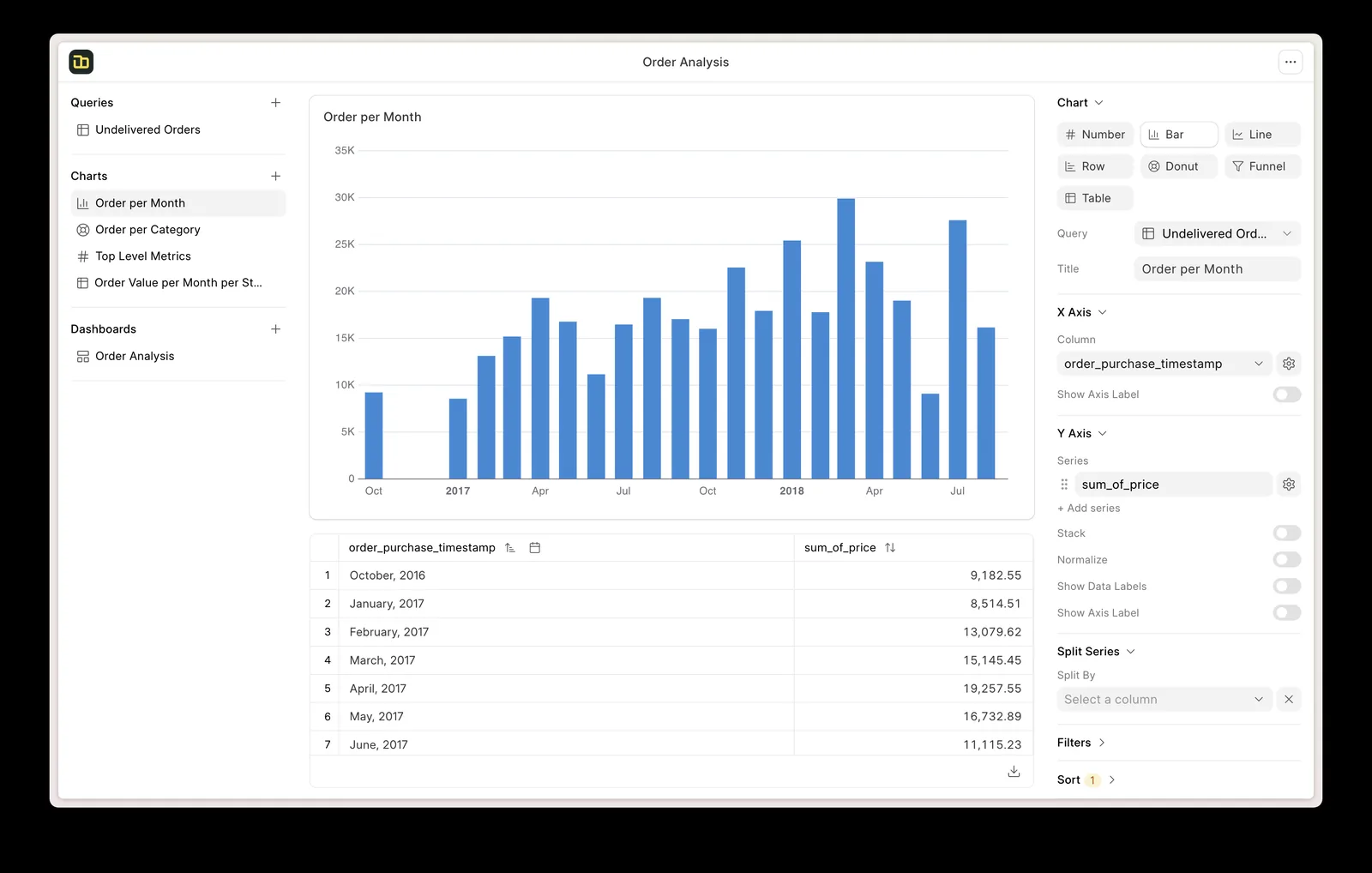
We track the programme like a small project so managers can see who has been trained on what.
Training is cheap compared with the cost of fixing data that was entered the wrong way.
Users record transactions the intended way, so reports need fewer corrections at month-end.
How-to questions drop once each role has a guide and has practiced their tasks.
Trained admins handle new users, permissions and simple field changes in-house.
New staff follow a set training path instead of learning from whoever is available.
Training sits alongside implementation, support and the modules your teams use.
We configure the system for the rules UAE businesses report against, and test it before go-live.
General information, not tax or legal advice. Confirm current requirements with the FTA, MOHRE or your advisor. See all UAE compliance guides.
On-site workshops in Dubai, Abu Dhabi and Sharjah, and remote or on-site delivery across the Northern Emirates and free zones.
Official sources and references
Facts on this page were checked against these sources in October 2026. Rules change, so confirm current requirements before acting.
On your own system, using a training copy. That way users practice with your items, customers, warehouses, tax templates and print formats rather than a generic demo company.
Yes. Many clients book a finance-only track covering invoices, payments, bank reconciliation, period closing and preparing VAT figures. VAT treatment questions should still be confirmed with your tax advisor.
Sessions are delivered in English by default. ERPNext itself supports Arabic, and we can discuss Arabic or Hindi support for specific sessions when we plan the programme.
We offer admin training on users, roles, custom fields, print formats, workflows and reports. Developer topics such as building Frappe apps can be covered for in-house IT teams as a separate track.
We provide an attendance record and the topics covered for your HR files. This is not an official Frappe certification, and we do not present it as one.
Related Solutions
Related Industries
Related ERP Platforms
Share your roles and modules, and we will propose a role-based ERPNext training plan with dates that fit your operations.
Dubai, United Arab Emirates